22 LCD62 Keypad User Manual
Event Description Event Code Zone / User
Battery low or missing 41 0
Battery recovery 42 0
User Level Programming
Blinking symbol indicates the system is in
programming mode.
User Code Changing
User is required to enter his/her personal code first before
changing it.
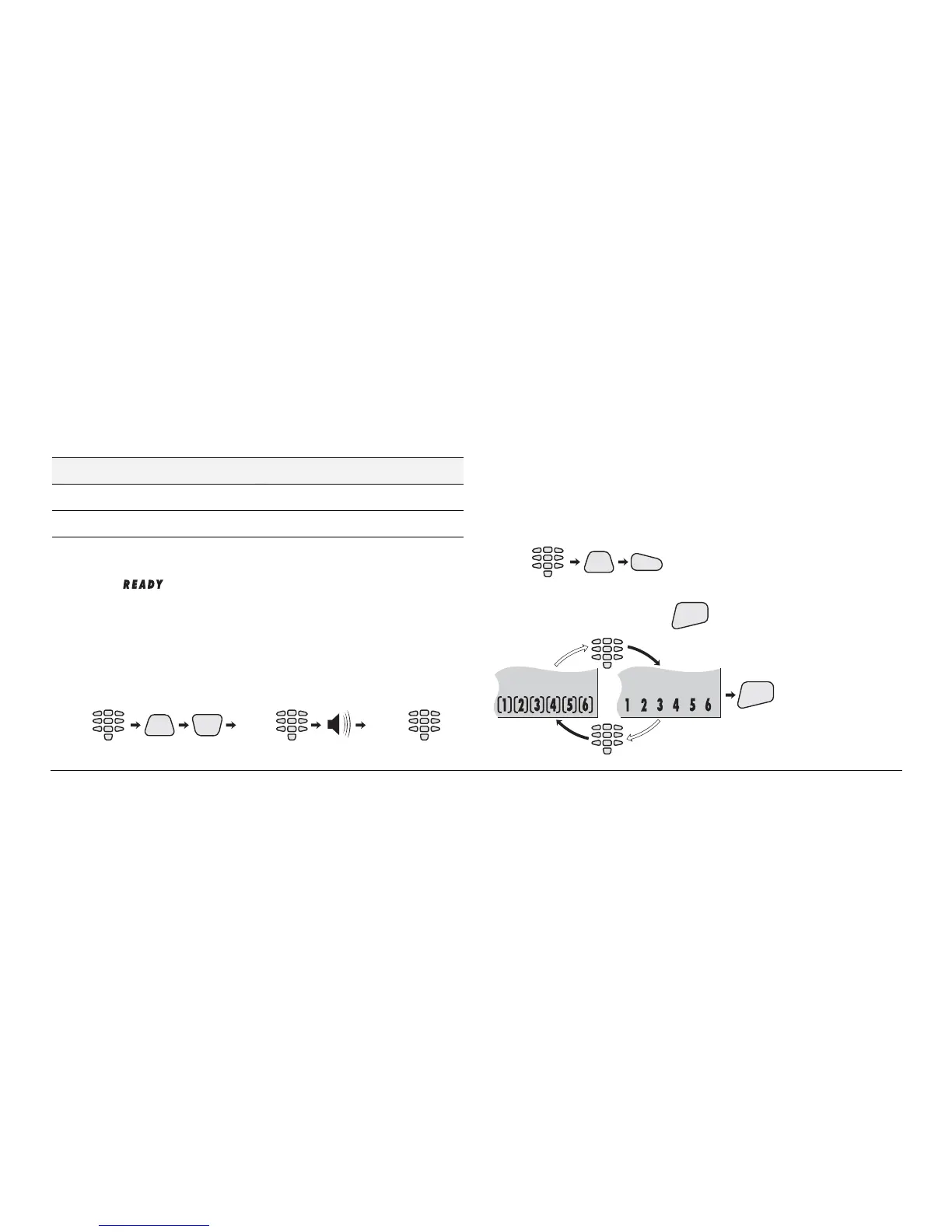
User code changing key sequence:
CODE
0
NEW
CODE
(2 beeps)(4 digits) (once again)
PRG
NEW
CODE
Turning On and Off the Chime Mode
To turn the chime mode on or off the use is required a
personal code.
Turning the chime on and off key sequence:
CODE
PRG
3
Pressing any numeric key switches alternatively the chime
mode on and off. Pressing
ENT
confirms the selection:
ENT
Chime
ON
Chime
OFF



 To Next Page