LCD62 Keypad User Manual 27
Setting the Clock
To set the clock the manager is required a personal code.
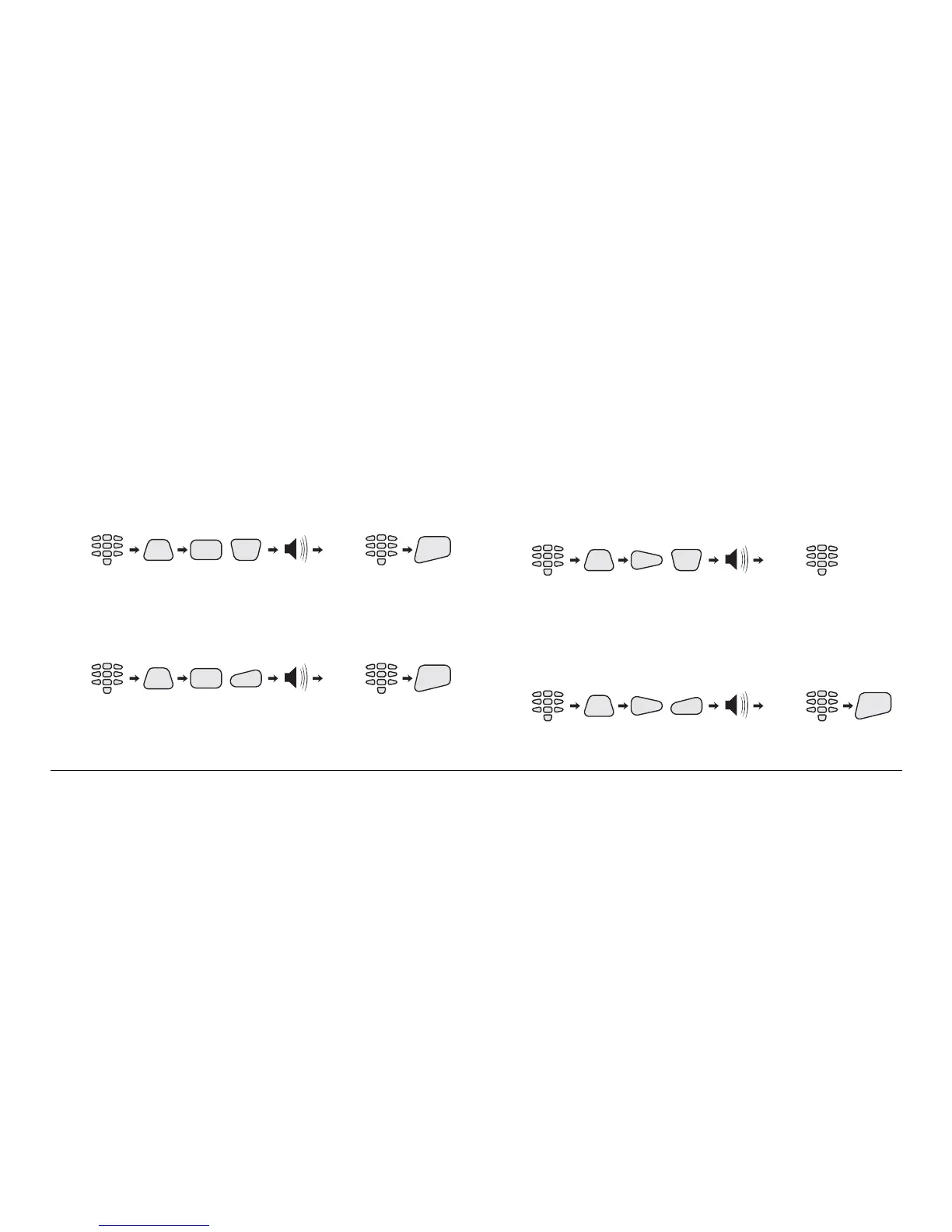
Setting the clock key sequence:
CODE
PRG
,
5
(HH:MM)
NEW
TIME
(2 beeps)
0
ENT
Setting the Date
To set the date the manager is required a personal code.
Setting the date key sequence:
CODE
PRG
,
5
1
(DD MM)
NEW
DATE
(2 beeps)
ENT
Adding a Proximity Card
To use proximity cards, the system has to be equipped with
proximity card reader
Adding a card key sequence:
CODE
PRG
,
(0 - 16)
USER
ID
(2 beeps)
06
The proximity card has to be placed near the card reader at
that time.
Erasing a Card
Erasing a card key sequence:
CODE
PRG
,
1
(0 - 16)
USER
ID
(2 beeps)
ENT
6



 To Next Page