24 LCD62 Keypad User Manual
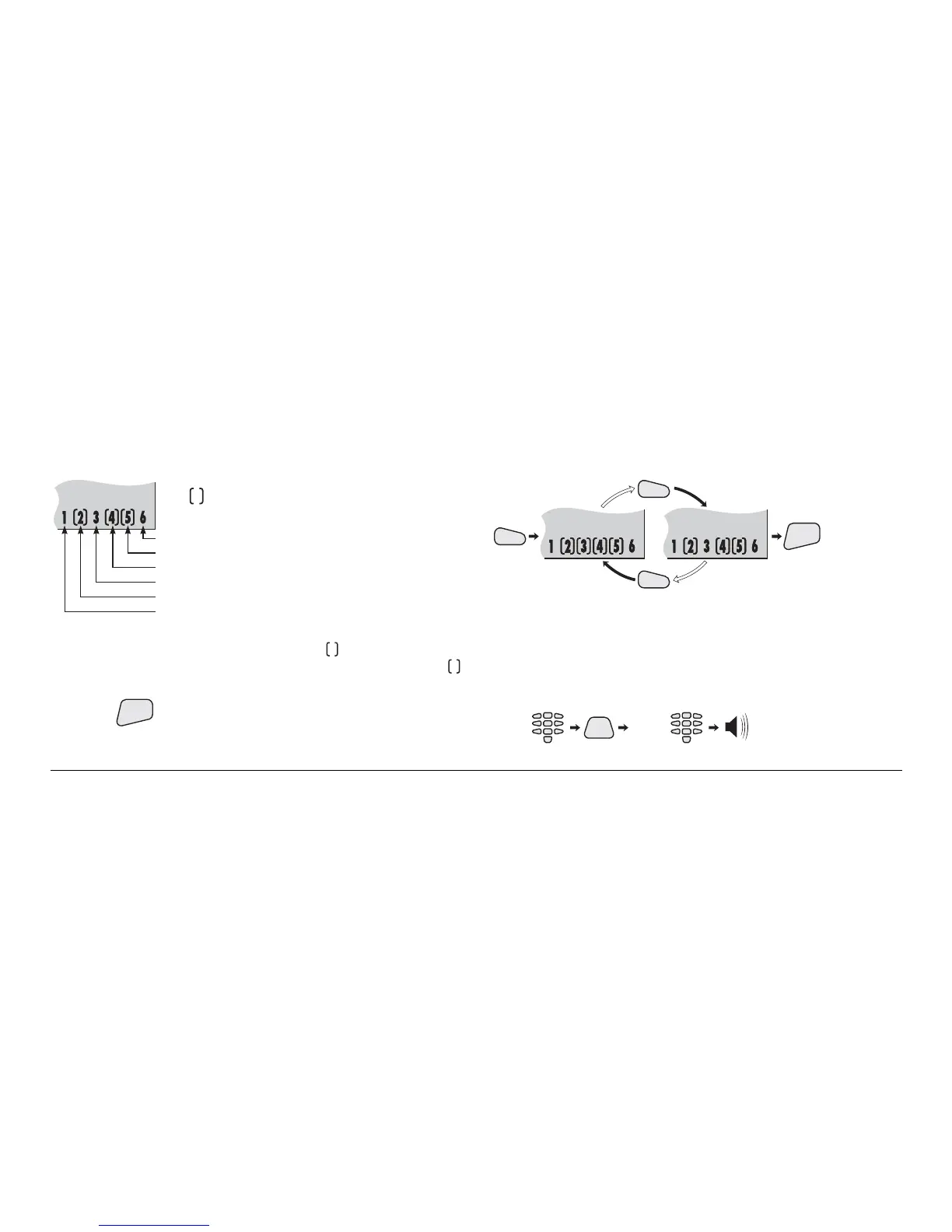
LCD displays:
Remote bypassing
Communication error
Remote programming
Remote code access
Remote arm
Remote disarm
The symbol surrounding a number
indicates the respective operation is permitted.
Pressing a numeric key permits the respective operation. The
operation number is surrounded by the
symbol. Pressing
the same key once again forbids the operation. The
symbol is removed.
Pressing
ENT
confirms the selection.
Remote permissions key sequence:
3
3
3
ENT
Changing User Code and Privileges
Manager is required to enter his/her personal code first
before user code.
User code changing key sequence:
CODE
PRG
(0 - 16)
USER
ID
(2 beeps)



 To Next Page