14
15. Checking the Signal Quality (RSSI)
This is a menu for checking the RF signal quality between wireless devices and expander
(network gateway) module. The signal quality is assessed in [dB] as it can be measured and
displaced for every of the devices. The procedure of checking RSSI is common for all devices.
1. Enter in programming mode of the module. Scroll to menu 5. DEVICE RSSI and press ENTER
button. A list with present enrolled devices is shown on the screen with an order number and type
of the device.
2. Find in the list the device for which you want to check the current RSSI.
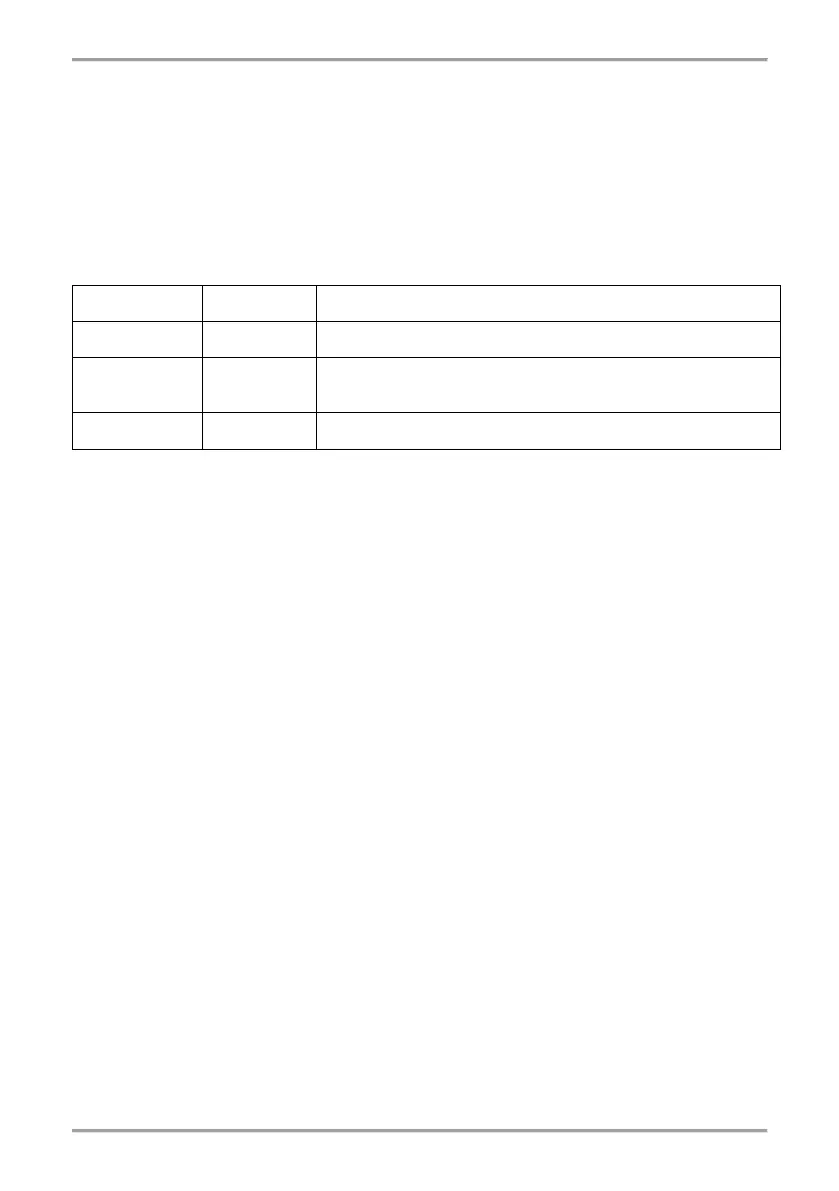
3. Press ENTER button. The RSSI signal quality for the device is displayed. Refer to the table
below:
5. You can exit the menu at any time with pressing CANCEL button.
6. Press CANCEL button again to exit from the menu for checking the signal quality.
16. Channel Setup
Natron series wireless devices communicate with the expander (network gateway) module via 6
different frequency pair channels. The installer can set operation via specific channel pair from 1
to 6, or to set automatic choice of the frequency channel. Basically, the installer can assess which
channel has the lowest noise and interference level and to set the wireless system to operate on
that exact channel.
To set a frequency channel, enter in programming mode and scroll to menu 6. CHANNEL SETUP.
Press ENTER button. Set a number of pair channels using the arrow buttons, or set AFA
(Automatic Frequency Agility) option for automatic choice of the frequency channel. The current
displayed setting on the screen will be saved when you exit the menu with CANCEL button.
Note: When in a fire alarm system are connected the maximum number – 5 pcs - of wireless
modules, they must be set for operation at different frequency channel numbers to avoid delay in
operation.
17. Setting the Language
The menus of Natron WE-C expander (network gateway) module are available in different
languages. To change the language of the menus, enter programming mode and scroll to 7.
LANGUAGE menu. Press ENTER button. Use the arrow buttons to review the languages. The
currently displayed language will be automatically set when you exit the menu with CANCEL
button.
18. Events Reviewing Mode
Natron WE-C wireless expander (network gateway) module informs the users about different type
of events concerning the current state of wireless devices enrolled to its configuration.
To review the active messages for events, the user has to press a random button on the front
panel. The messages can be reviewed with arrow buttons, as the fire alarm and fault messages
are with higher priority and are shown first, regardless their current number in the list.


 To Next Page
 Loading...


