36
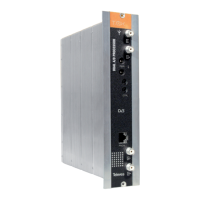
To carry out the configuration of each PRO-
CESADOR FI module, it is necessary to
follow these steps using the programmer:
5.1.- NORMAL MENU
Insert the programmer in the front connector
of the PROCESADORFI_IQ module (PRO-
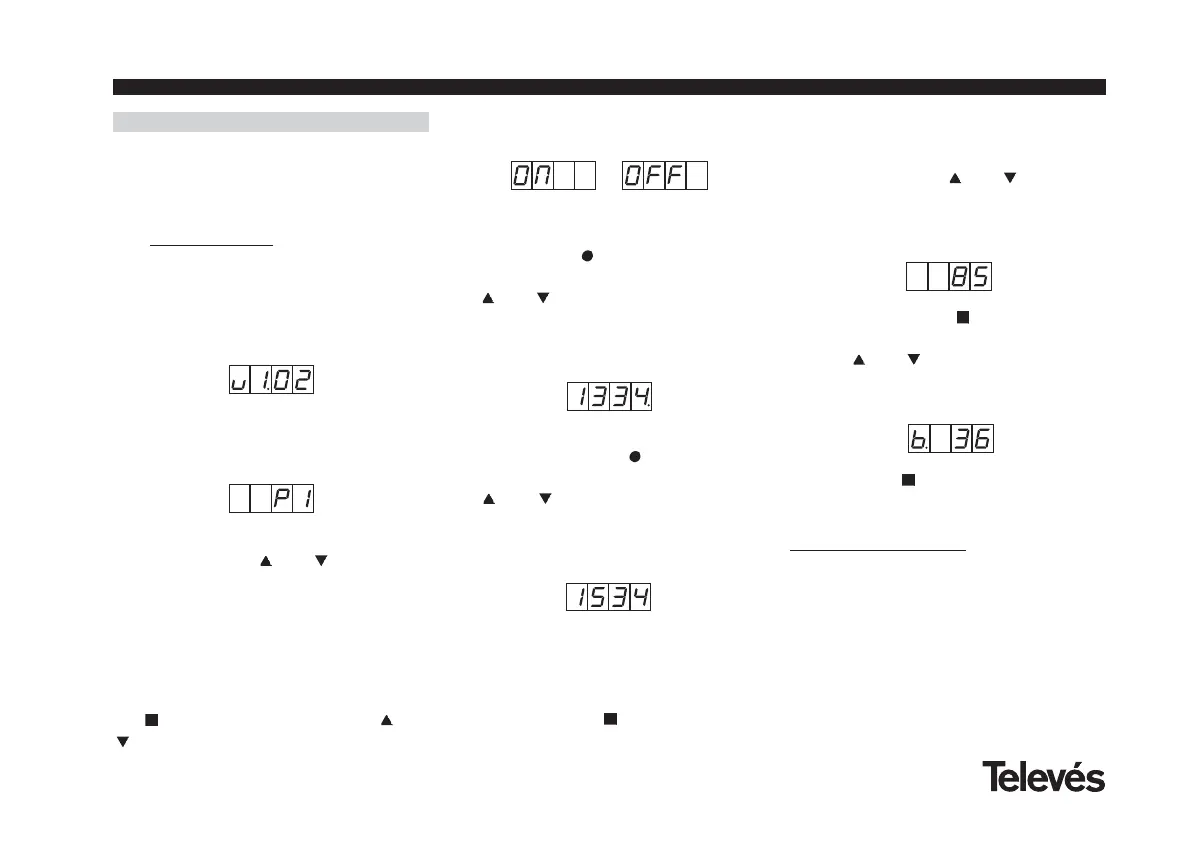
GRAM). First, the version of the software
in use, will appear (for example 1.02):
1.- After about two seconds, the first menu
will appear. This is the processor selection
menu (1, 2 or 3), for example processor 1:
To change the value that appears, it is nec-
cesary to press the and buttons. This
will change the value to 1, 2, or 3.
Depending on which processor is selected,
one of the LEDs will light up (A for proces-
sor 1, B for processor 2 and C for processor
3).
2.- You can access the enable/disable
menu of the selected processor by pressing
the button, and by pressing the and
buttons you can select ON or OFF:
5. - HOW TO USE THE PRODUCT
3.- The following menu (if ON has been
selected) lets you enter the input
frequency. The button allows you to
select the digit that you want to change, and
the and
buttons increase or decrease
the value. The permitted range of values for
the input frequency is from 950 to 2150
MHz. (For example, for 1334 MHz):
4.- The following menu lets you enter the
output frequency. The
buttons lets you
select the digit that you want to change and
the
and
buttons increase or decrease
the value. The permitted range of values for
the output frequency is from 950 to 2150
MHz (for example 1534 MHz):
The input frequency is different to the output
frequency because when the input fre-
quency appears on the display, a small dot
can be seen after the last digit.
5.- By pressing the button, you access
the output level selecction menu. Here,
there is no cursor for the selection of the
digit, and instead the and
buttons are
used to choose the output level between 00
(minimum) and 99 (maximum). For example,
85:
6.- By pressing the button, you can
access the bandwidth selection menu.
Use the and buttons to select the BW
value (36 MHz or 27 MHz). For example, for
a bandwidth of 36 MHz::
If we press the
button again, we return to
the start for the selection of the processor.
5.2.- EXTENDED MENU
1.- The first option that appears in the
extended menus is the selection of the devi-
ce’s address. For a headend to be remote
controlled, each controllable element must
have a unique address.
It is the installer’s responsibility to ensure
that no addresses are repeated in the
control bus.
User manual IF Processor



 To Next Page