Clear-Com Setup
Make the following switch and jumper changes when the US-2000 is
used with Clear-Com equipment:
· SW1 (BAL/UNBAL) must be placed in the UNBAL position.
· J17 (Clear-Com/Audiocom® Mic Level Select) must have pins 1 and
2 shorted.
· J21 (DC call enable/disable) must have pins 2 and 3 shorted.
Speaker Setup
Make the following switch and jumper changes to allow the audio from
each channel to go to separate powered speakers:
· J22 must have pins 1 and 2 shorted.
· J23 must have pins 1 and 2 shorted.
· J24 must have pins 2 and 3 shorted.
10
12-15 VDC
+
-
TELEX COMMUNICATIONS, INC. MADE IN USA
1
SPEAKERS
PROGRAM
INPUTS
2
LINE LEVEL
0.5 VRMS
P.A. EXP
OUT
CHN 2
VOL
PGM 2
VOL
PGM 1
PUSH
CHN 1
PUSH
NO
ADJUSTMENT
LIMITER
CHN 1 RETURN
CANCELLATION
CHN 2 RETURN
CANCELLATION
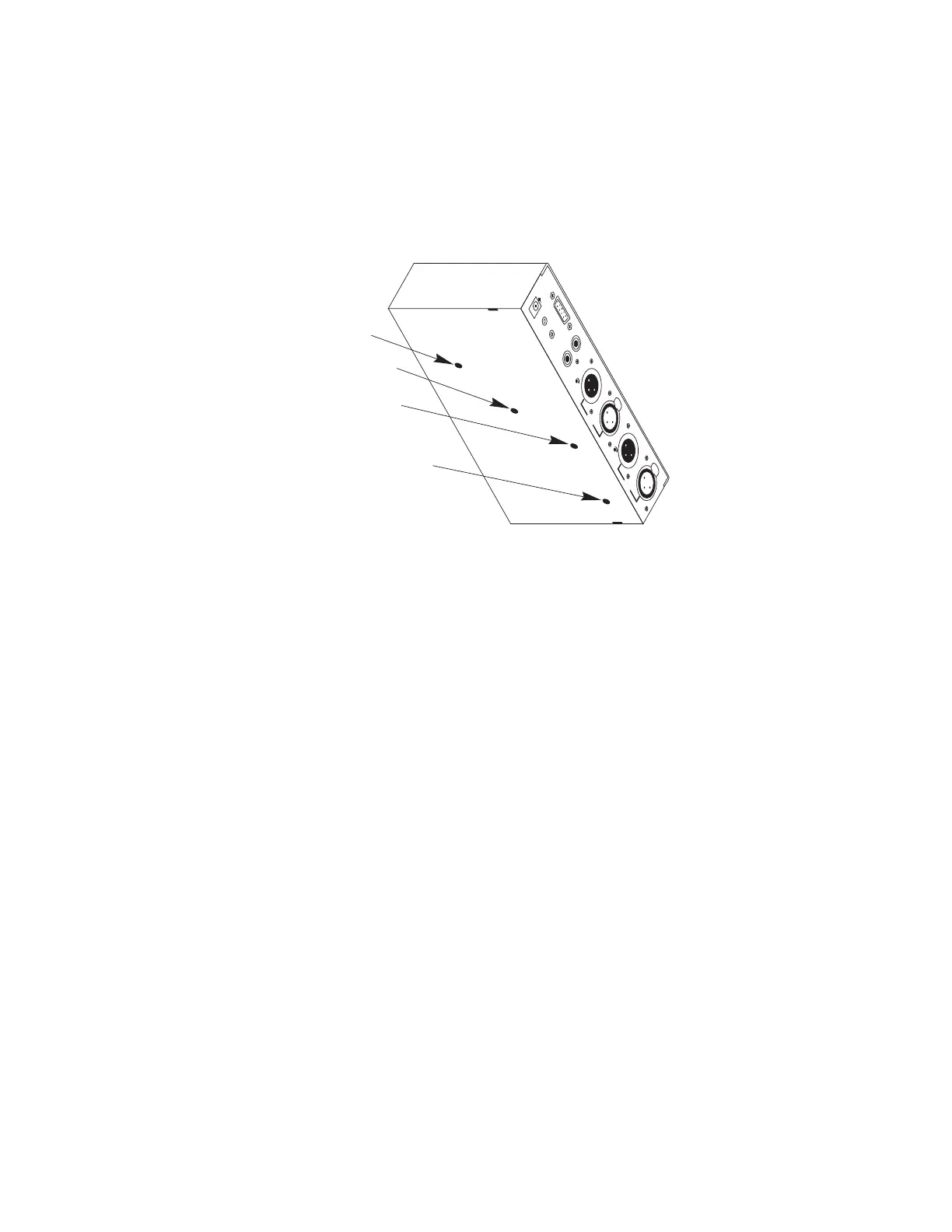
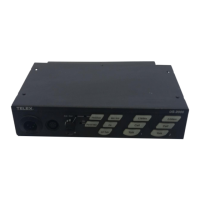
Figure 3. Adjustments Accessible From the Underside


 To Next Page