Telguard TG-7FP Installation & Operating Guide 20 56052401 Rev A
Appendix 2 Troubleshooting Guide
This section provides a summary of all LED indications and their meanings, as well as the expected
behavior of the TG-7FP under various exception conditions.
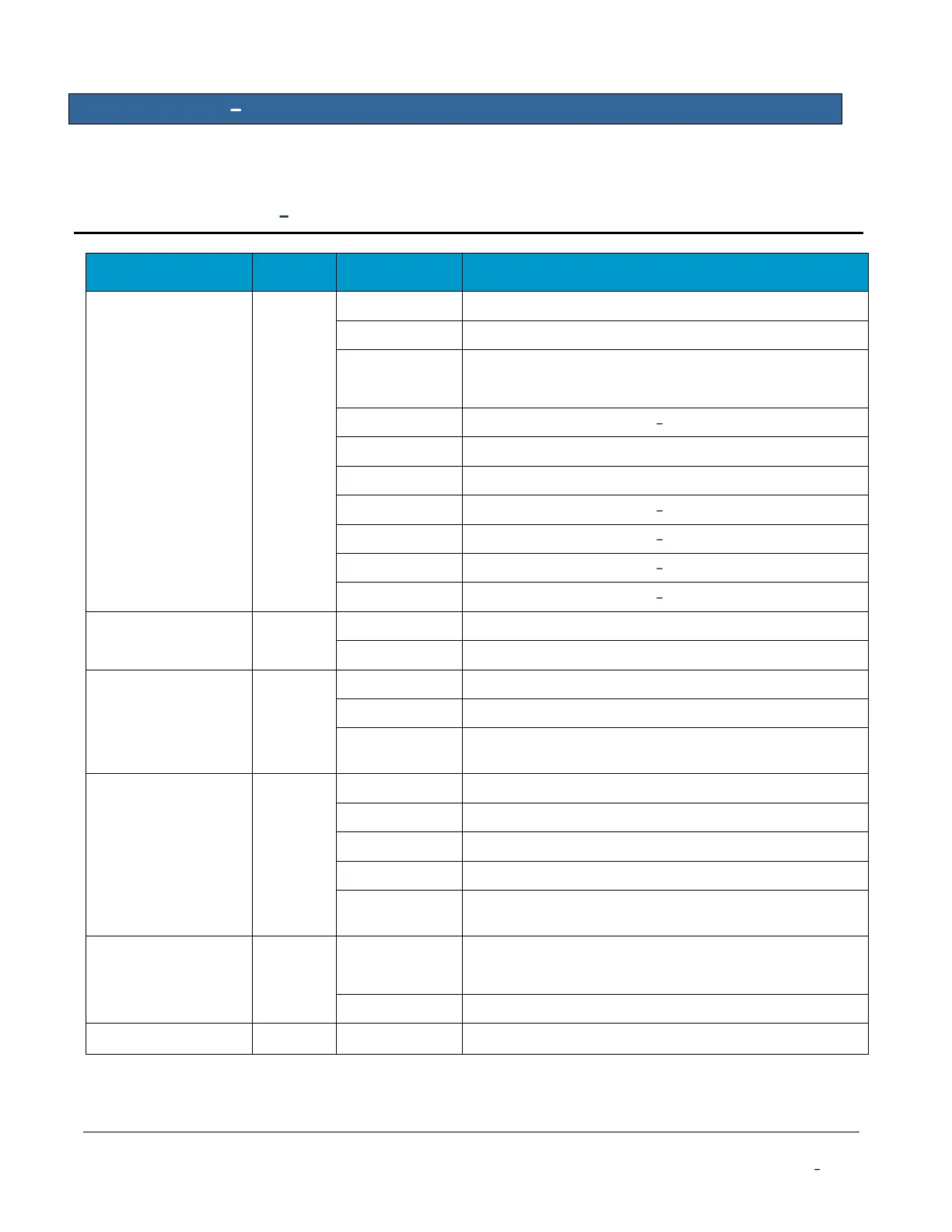
LED Indicator Guide Normal Operating Mode
Unit is activated at the TCC and enabled
Unit not activated at TCC (and disabled)
LED 2 STC
(System Trouble
Condition)
System Trouble Condition LPF Low Power Failure
System Trouble Condition NSC No Service
System Trouble Condition RFC Radio Failure
System Trouble Condition DTF Dial Tone Failure
System Trouble Condition PPF Panel Presence Fail
Alarm panel idle (Telguard on-hook)
Alarm panel off-hook to transmit signals over cellular
TG-7FP waiting for acknowledgement from the TCC
When flashing with LED 1, unit has failed activation.
CALL TELGUARD TECHNICAL SUPPORT
TG-7FP initializing with cellular network
Trip Input not activated or is restored
DC power connected to unit
* LED will continuously flash each pattern


 To Next Page