2.
Getting Started – CPE8100
1)
Packing list
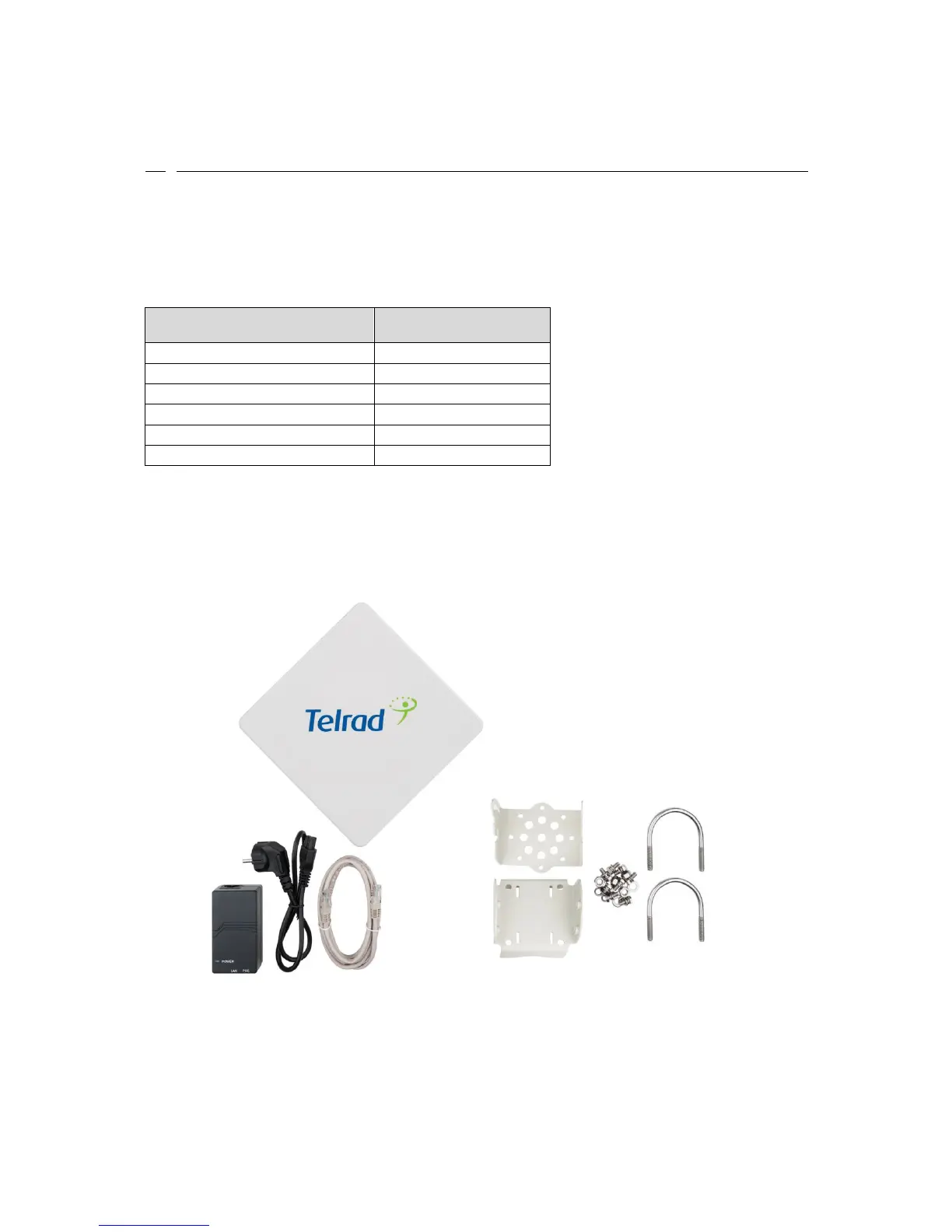
Upon receiving the product, please unpack the product package carefully. Each product is
shipped with the following items:
Table 2-1 Packing List
ODU unit
1
PoE adapter
1
Power cord
1
Mounting brackets
1
PC Ethernet Cable
1
Quick User Guide
1
If you find any of the items is missing, please contact our local distributor immediately.
2)
Unpacking the Equipment
Table 2-1 lists all the standard parts that are supplied in your LTE CPE Unit Installation
Package. Please take the time to unpack the package and check its contents against this list.
3)
Installing the Equipment
Device Logic connection
For outdoor CPE product, it is suggested that the CPE device be installed in a shaded area to
avoid direct sun light exposure which may cause over heat in certain extreme weather



 To Next Page