Router/ NAT mode
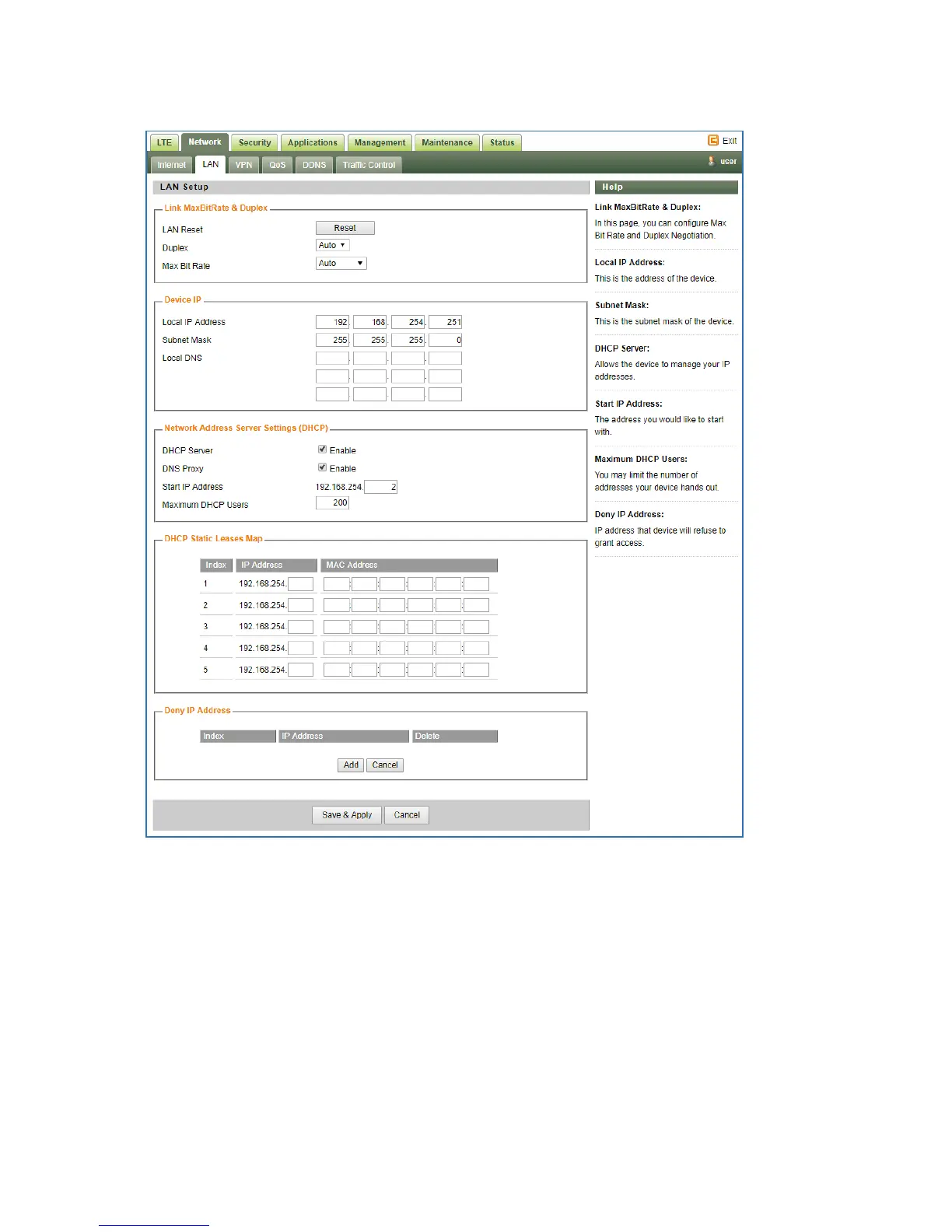
The following parameters should be configured (please, refer to the settings shown in the
below screenshot):
Connection Mode – defines the CPE networking mode. Should be set to "Router/ NAT"
NAT Mode – enables/ disables NAT functionality. Should be checked.
MGMT and Data interface – enables Management and Data (router) functions to use the same
("combined") or different ("separate") WAN-side interfaces. When configured in "separate"
mode, multiple PDNs (one for Management and one for Data) must be configured. The default



 To Next Page