Cell Selection
The cell selection menu is used to configure how CPE will select the best cell. User can
configure the “Auto Select” mode to select cell based 3GPP standard. When configured with
“preferred Listing”, user can add up to 8 desired cell ID to the list and the CPE will attach to
the appropriate cell after a full scan. If Lock ND&S to the preferred list is enabled, the CPE
will not connect to any cell if they are in the list.
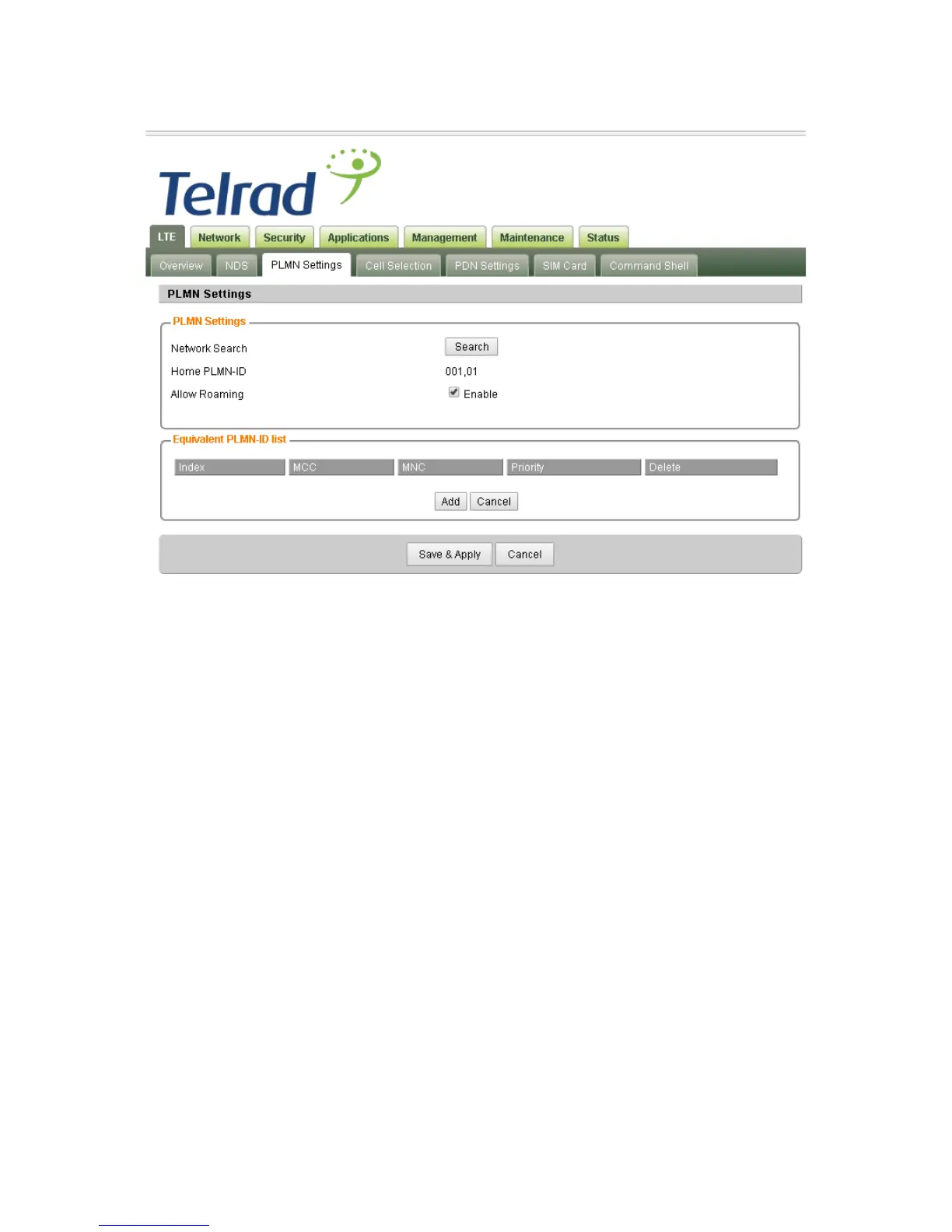
Note the Cell Selection and PLMN setting will work together when ND&S network mode is set
to Nomadic.



 To Next Page