26
Add to Home Screen
You can add shortcuts, widgets, folders and wallpaper to the T-Hub
®
2 screens by holding
down on the screen until a pop up box appears.
Recent Applications
You can access recently used applications by holding down on the Home Screen button
until a pop up box appears titled Recent. Select a recently used application to switch back
to that application.
TIPS AND TRICKS
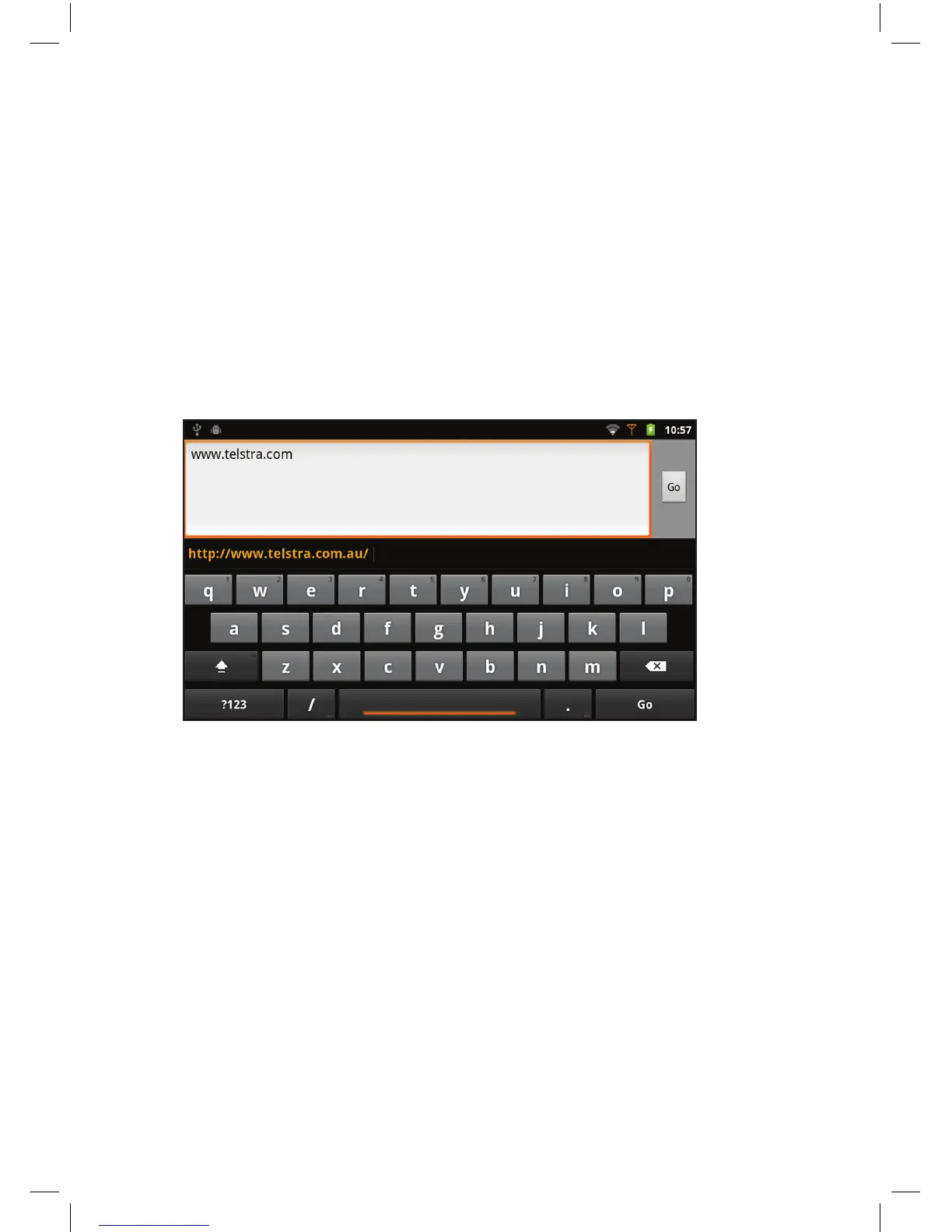
Onscreen Keyboard
Use the onscreen keyboard to input text when required.
To access the keyboard touch any text field. For example, touch the web address field in the
web browser to bring up the keyboard.


 To Next Page