9
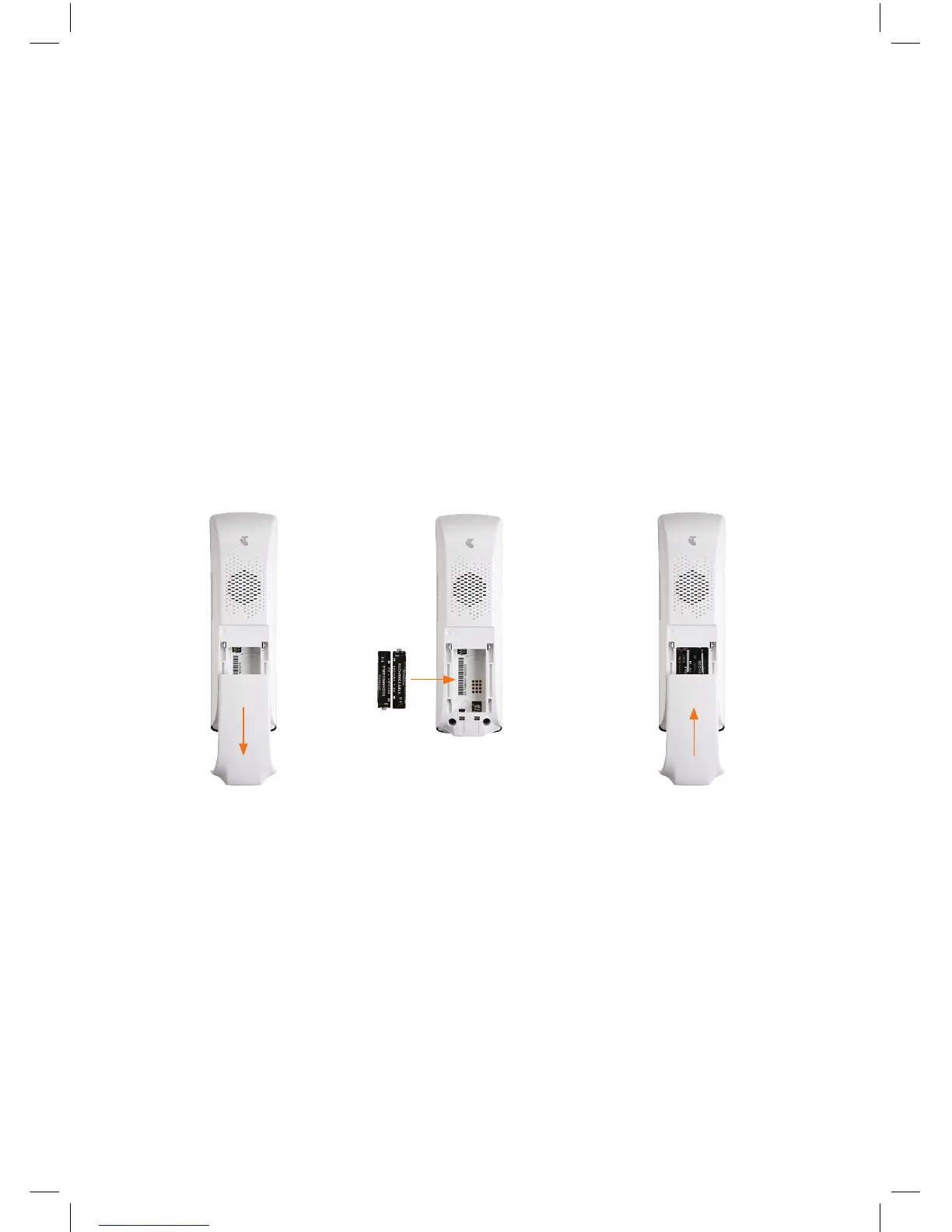
• Remove handset back cover.
• Insert batteries in handset and replace the cover.
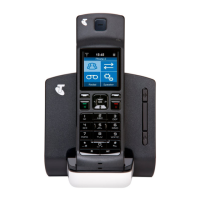
• Place the handset into the handset dock and connect the dock to mains power using
one of the power supplies provided.
• Turn the handset on by pressing and holding down the power key.
GETTING
CONNECTED
1. INSERT HANDSET BATTERY
2.1. 3.


 To Next Page
 Loading...