7
CONNECTION OPTIONS
As you step through the setup instructions over the next few pages,
you will be offered a choice of two connection options:
OPTION (1):
CUSTOMERS WITHOUT A T-GATEWAY™
Choose this option if you have:
• An ADSL broadband service (with any Wi-Fi modem other than a T-Gateway™ –
such as a Home Network Gateway or other Wi-Fi modem)
• A Cable broadband service (with a Home Network Gateway or other Wi-Fi modem)
• An NBN broadband service (with any Wi-Fi modem other than a T-Gateway™ –
such as a Home Network Gateway or other Wi-Fi modem)
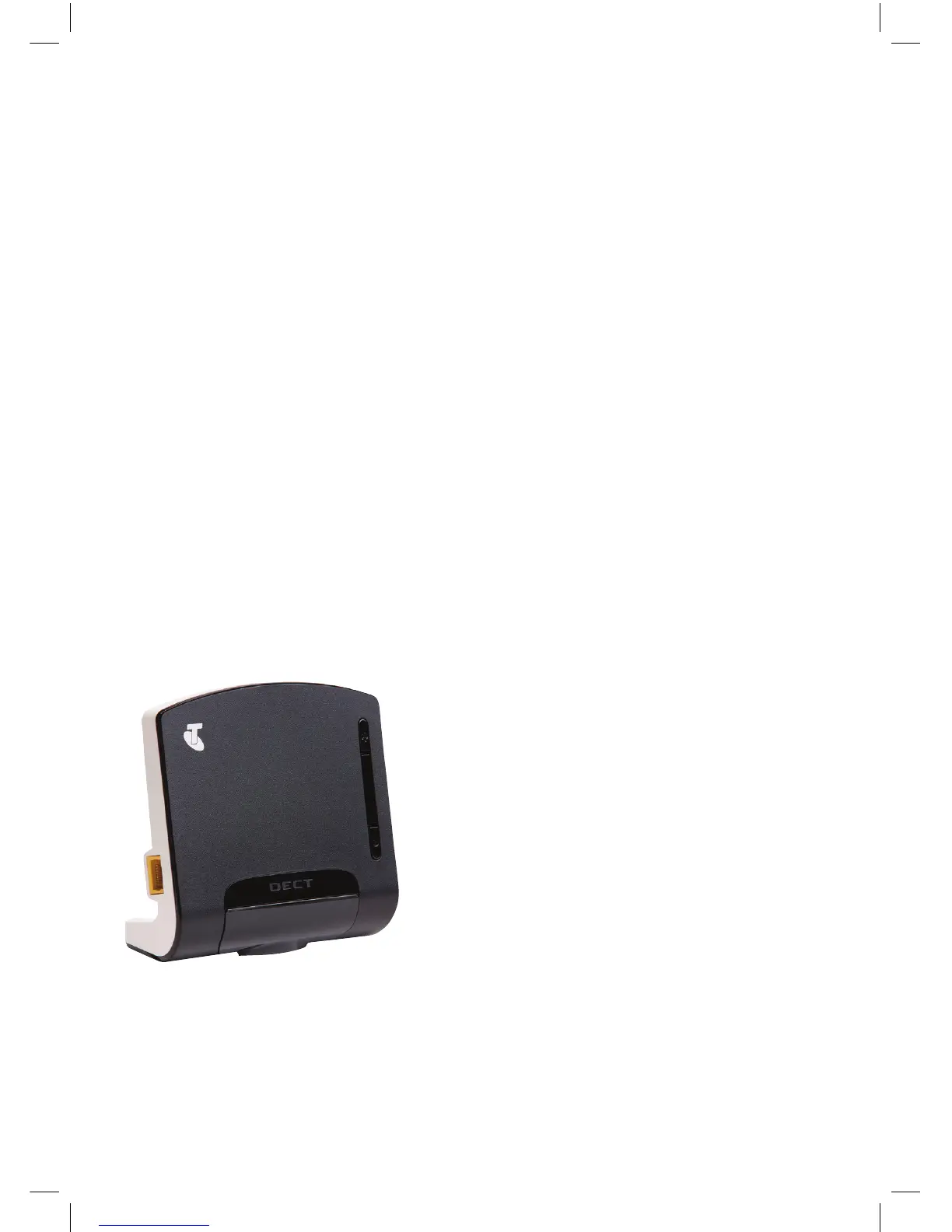
If you choose this option, you will need to use the base station that came with your
T-Hub
®
2 kit:
The base station is used by the tablet & handset to make calls.
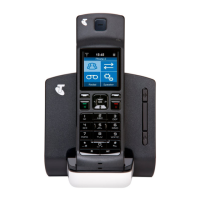
The tablet & handset in your kit should already be “registered” or “paired” with your
base station, without you needing to perform any additional steps.


 To Next Page