28
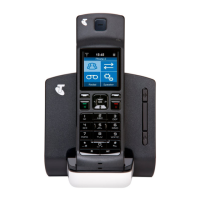
1 LED Indicator
The LED indicator shows the status of
the Handset.
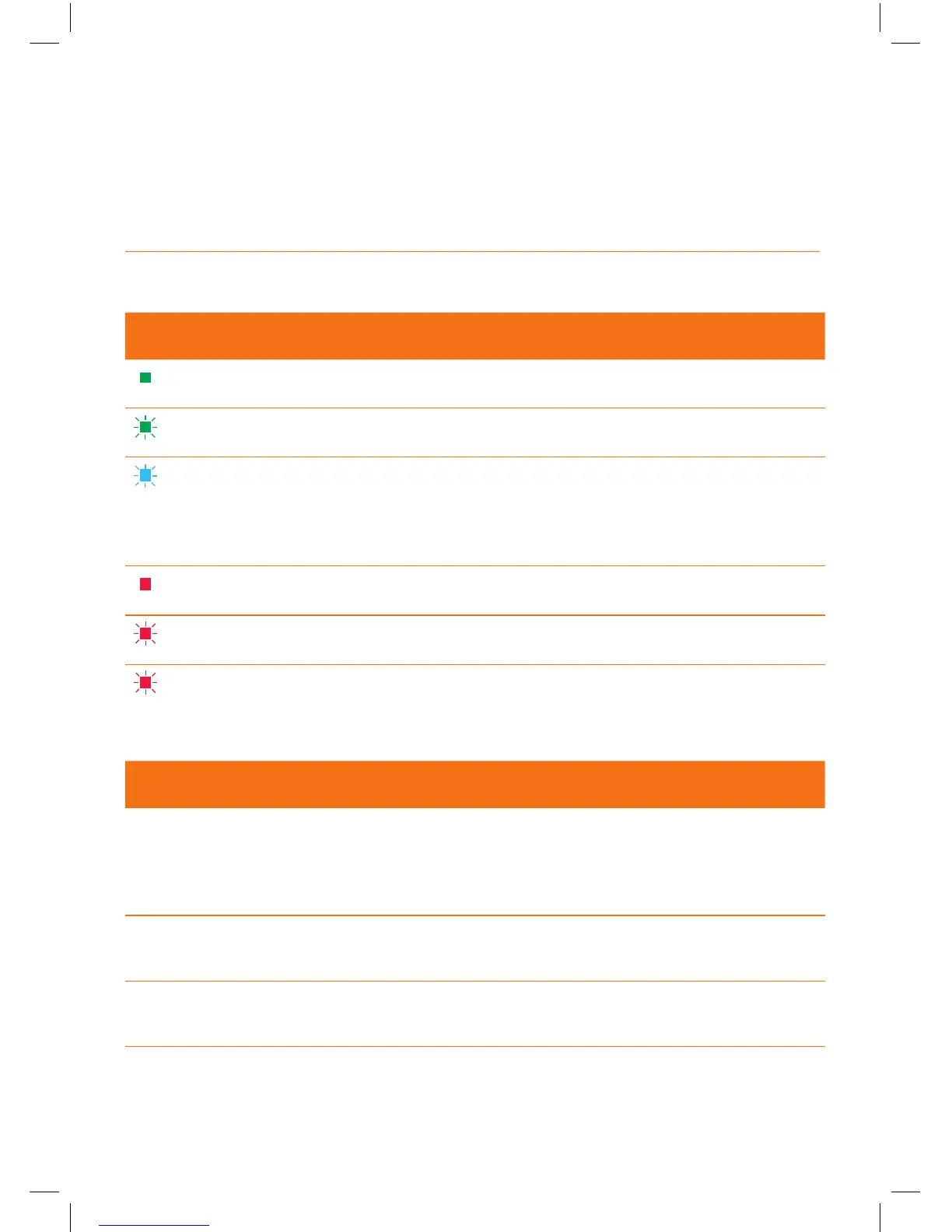
LED INDICATOR HANDSET STATUS
Solid green
Batteries near to fully charged.
Flashing green on dock
Batteries charging.
Flashing blue
You are receiving an internal or external call.
You have one or more missed calls.
You have one or more voice mails pending.
You are receiving a software update.
Solid red off dock
Low charge.
Flashing red on dock
Low charge, batteries charging.
Flashing red off dock
Very low charge, batteries need charging.
FEATURE DESCRIPTION
2 Volume control
• To control the volume of the speaker on
your Handset.
• During a call use the Up/Down key to increase
the volume of caller’s voice.
3 Left soft key
• To select the option shown above it
in the display.
4 Right soft key
• To select the option shown above it
in the display.


 To Next Page