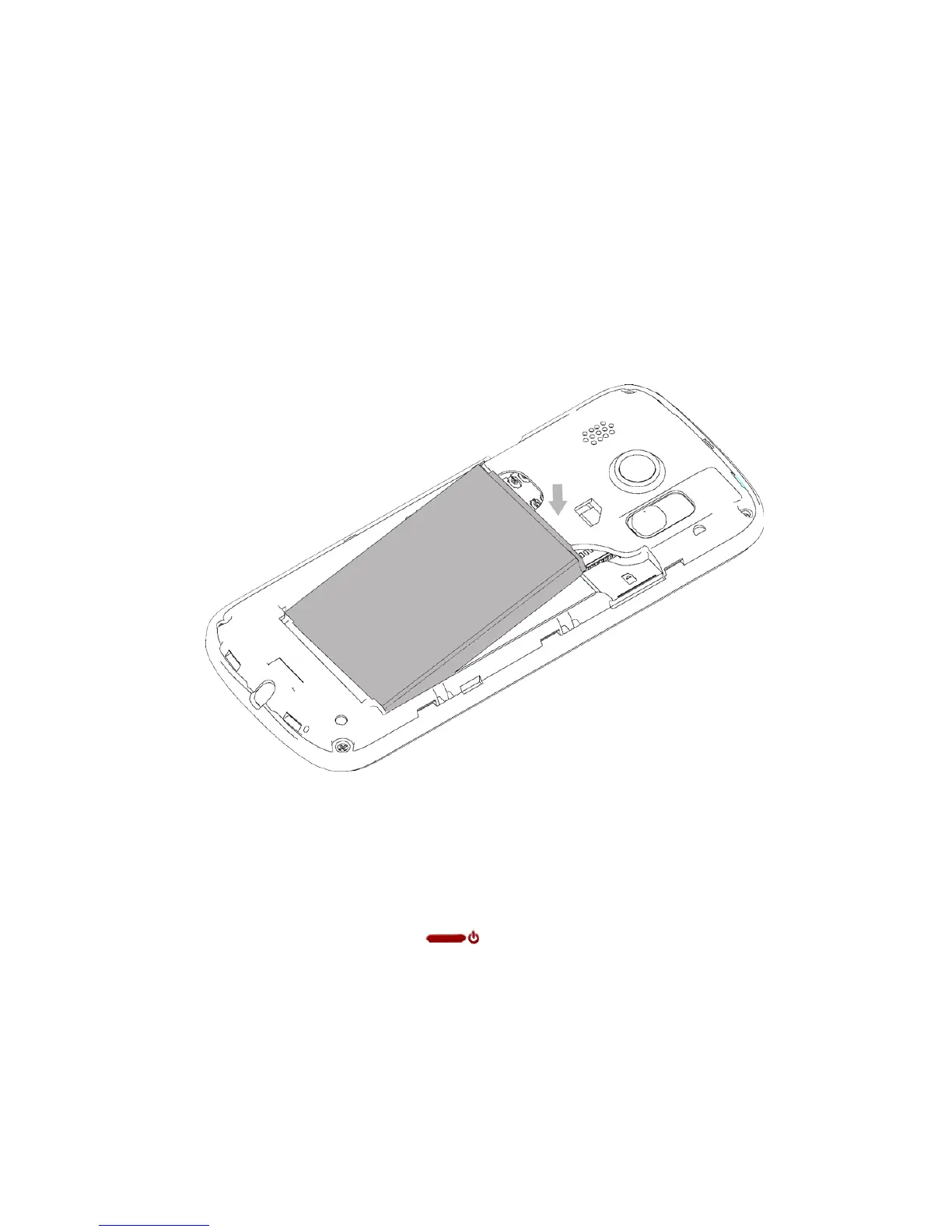
2. INSERT THE BATTERY
• Insert the battery as shown by lining up the gold tabs on the battery
with the gold pins in the battery compartment.
•
Gently push down on the battery until it clicks into place
• Line the battery cover up correctly from the top and press gently to
close the case.
3. SWITCH THE PHONE ON OR OFF
• Press and hold the red key until the screen lights up.



 To Next Page