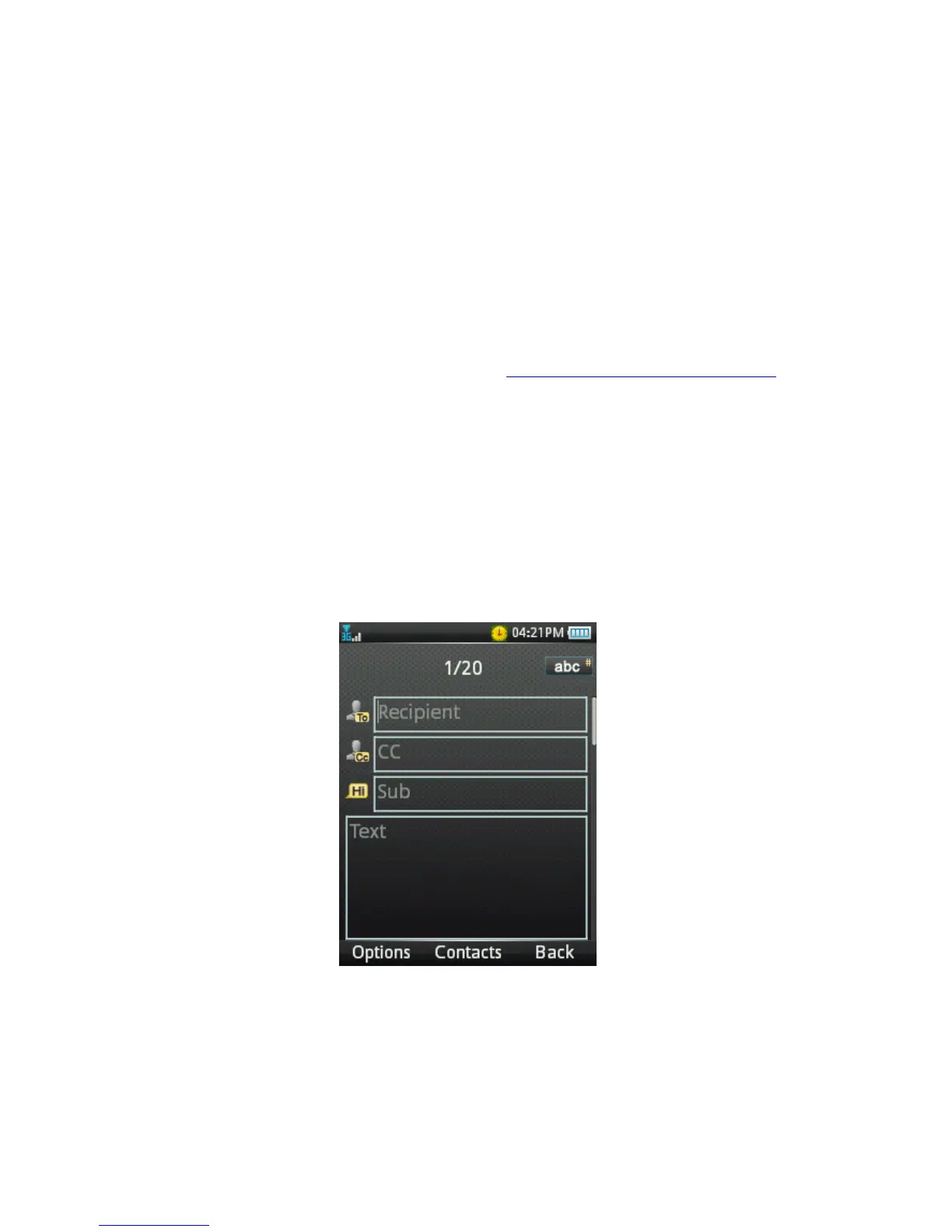
HOW TO SEND AN EMAIL
• Open the Menu screen and navigate to Email and press OK
• Choose New Email and press OK.
• Enter the sender email address e.g.
username@domain.com or press
the centre key to input address from Contacts.
• Press the down key to access the Copy To Field
• Press the down key to access the Subject Field
• Press the down key to enter the Text Field
• Use the left soft key to open your Options and select Insert to add
attachments. Browse to the appropriate folder to add the
attachment.
• When you are finished press Ok to Send.



 To Next Page