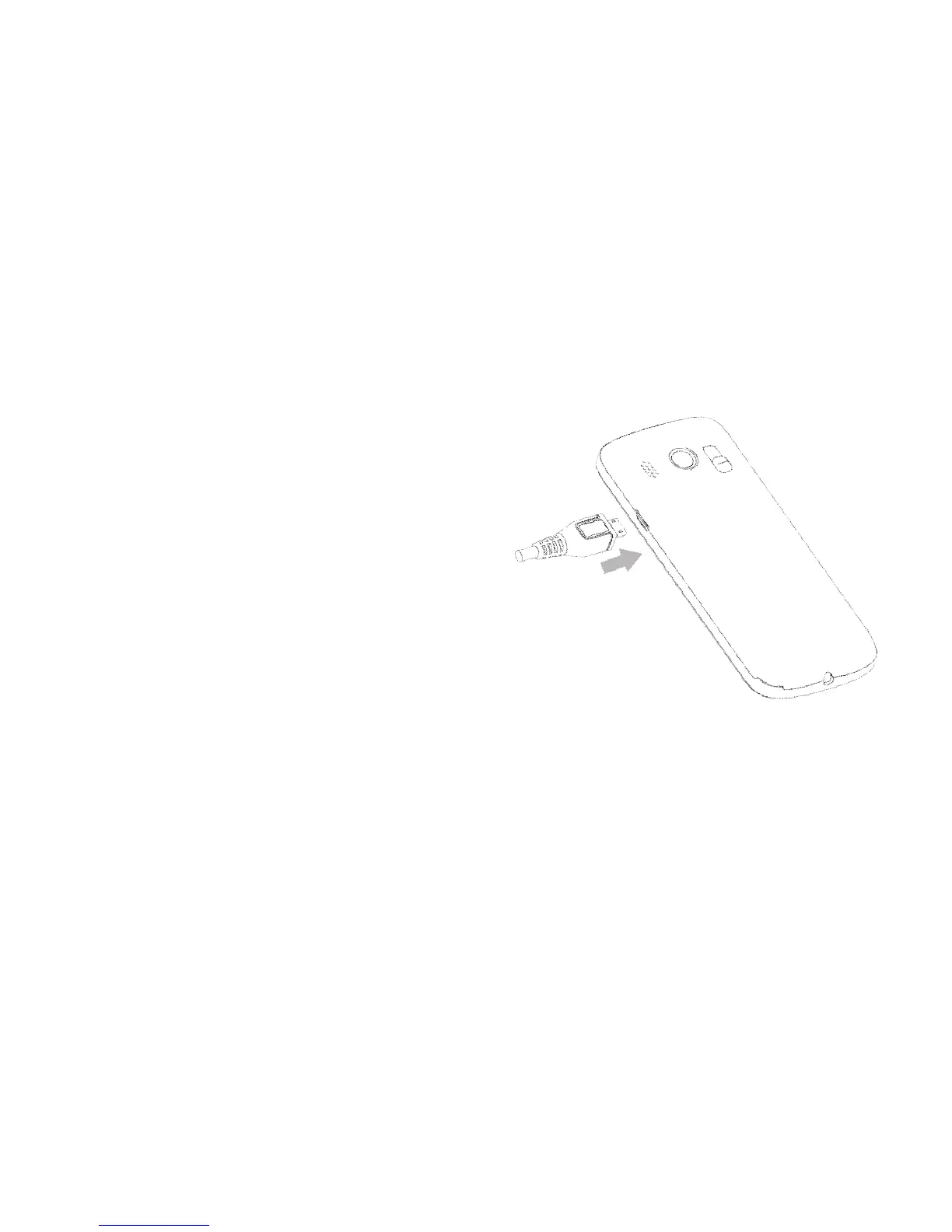
CONNECTING THE CHARGER
• Insert the charger lead carefully with the plug and socket aligned
correctly as shown.
• The plug and socket are shaped so they will only fit
together one way.
• The phone can also be charged by connecting it to a
computer using the USB lead supplied.
• A sound is played when the charger or USB
cable is inserted into the handset.
Important Notes
• Only use the AC charger and USB lead
supplied.
• Physical damage to the USB port is NOT covered by
warranty.
• Normal charge time is 3-4 hours.
• Do not leave on charge for more than 24hrs.
• When not using the phone for long periods remove the battery.
• Charge the battery between 0°C~45°C.
• Charge the battery promptly when flat.
• With poor network conditions (less than 2 bars) battery life is reduced.
• To maximise battery life turn off Bluetooth and limit multimedia
functions.



 To Next Page