HOW TO NAVIGATE THE MENU
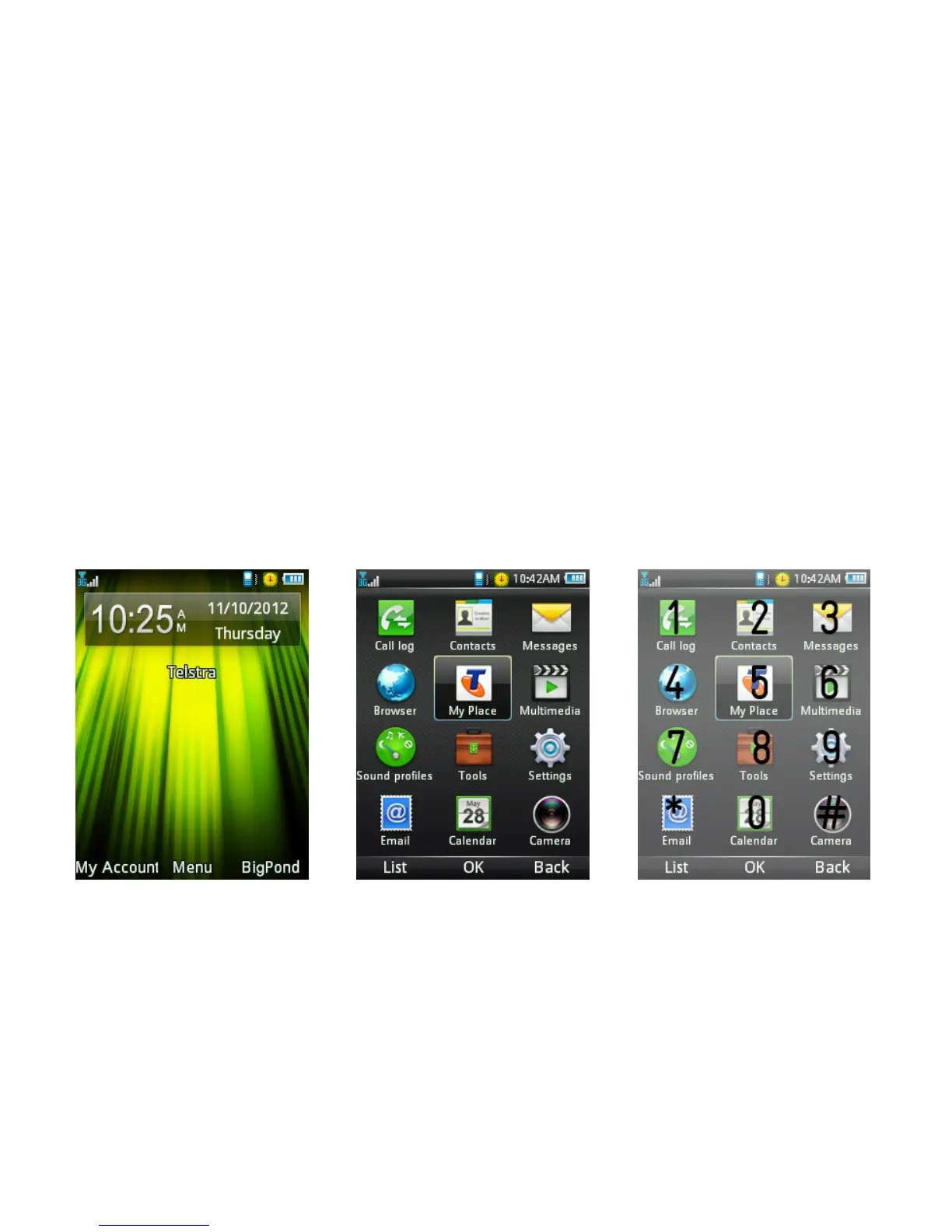
• The Main Menu is a grid of icons that are used to access key features
on the phone.
• You can view the menu as a List or Grid by pressing the left soft key.
• From the home screen press the centre button to access the main
menu. Use the direction keys to move up, down, right or left and press
the centre button to select the function or for OK.
• You can also press the corresponding number key as shown on the
grid below. Eg Menu followed by the # key will open up the Camera.



 To Next Page