Downloaded Configurator will be in compressed archive. Extract it and launch Configurator.exe.
After launch software language can be changed by clicking in the right bottom corner:
Configuration process begins by pressing on connected device:
After connection to Configurator Status window will be displayed:
Various Status window tabs display information about GNSS, GSM, I/O, Maintenance and etc.
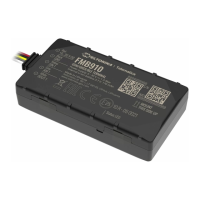
FMB910 has one user editable profile, which can be loaded and saved to the device. After any
modification of configuration the changes need to be saved to device using Save to device button.
Main buttons offer following functionality:
Load from device – loads configuration from device.1.
Save to device – saves configuration to device.2.
Load from file – loads configuration from file.3.
Save to file – saves configuration to file.4.
Read records – read records from device.6.
Reboot device – restarts device.7.
Reset configuration – sets device configuration to default.8.
Most important configurator section is GPRS – where all your server and GPRS settings can be
configured and Data Acquisition – where data acquiring parameters can be configured. More
details about FMB910 configuration using Configurator can be found here.
Quick SMS configuration
Default configuration has optimal parameters present to ensure best performance of track quality
and data usage.
Quickly set up your device by sending this SMS command to it:
" setparam
2001:APN;2002:APN_username;2003:APN_password;2004:Domain;2005:Port;2006:0"
GPRS settings:
2001 – APN
2002 – APN username (if there are no APN username, empty field should be left)
2003 – APN password (if there are no APN password, empty field should be left)
Server settings:


 To Next Page