8
Adding a contact
• Select the Add Contact card.
• Enter a full or partial Skype Name to search.
• You may also search by name, and/or email address.
• Once you nd the person, invite them to be added to your
contacts.
The Menu Bar
Select the
Menu button on your telyHD remote to view
the Menu Bar. Use the
Left/Right arrows on your telyHD
remote to view the different menu options.
Additional Features Available with telyHD Pro
Support for External USB Audio
For more information on External Audio For Conference Rooms
go to www.tely.com
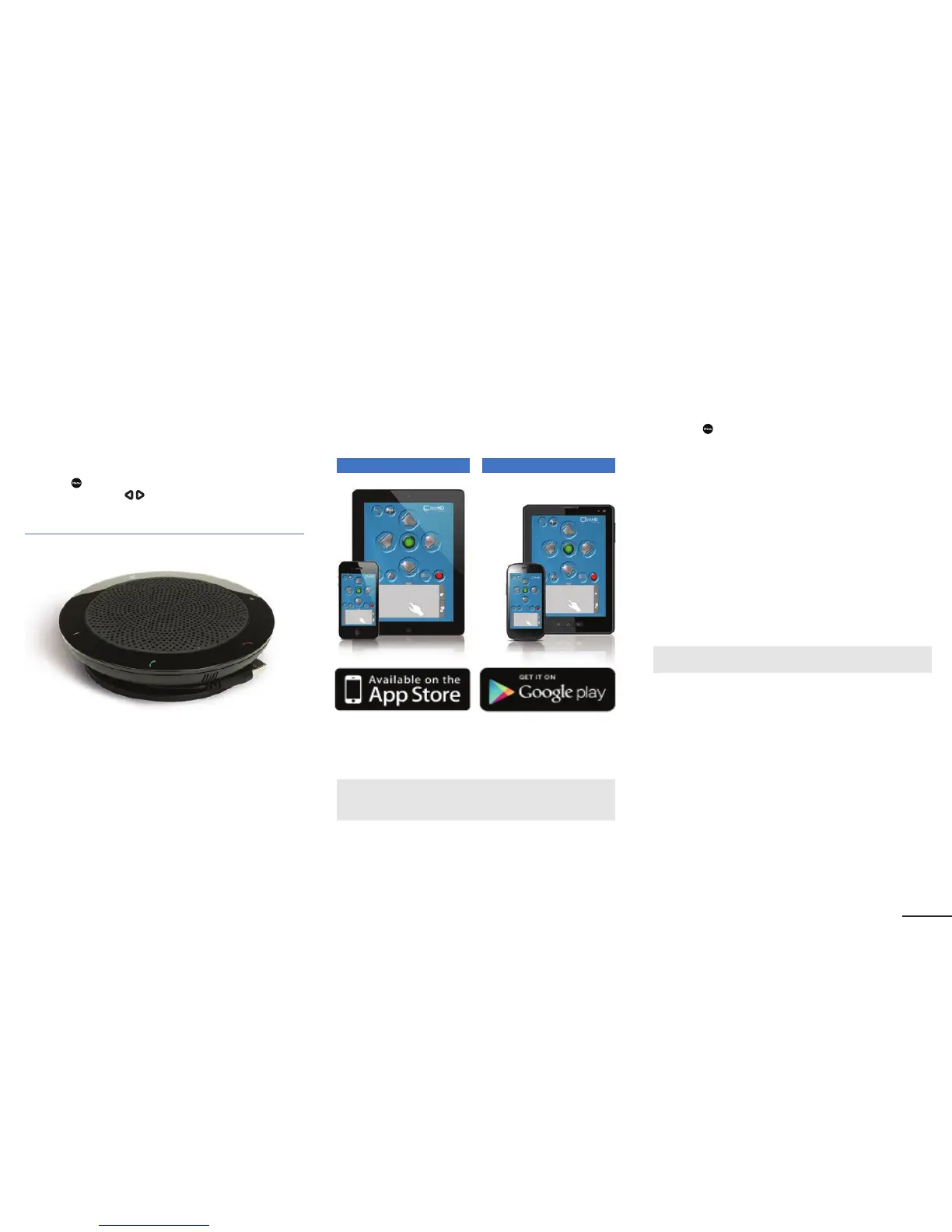
The telyHD Audio Pod is a highly recommended accessory for
telyHD Pro appliances intended for use in mid- to large-sized
meeting rooms. Audio quality is improved when the microphone
and speaker assembly is placed in closer proximity to meeting
participants. Connects to the USB port on telyHD Pro
appliances. 15' USB extension cable is included.
SmartRemote
In addition to the included remote control device, the
SmartRemote App makes it easy to wirelessly control your
telyHD Pro from your Android or iOS smartphone or tablet.
Scroll through contacts, enter text with the on-screen keyboard
or easily navigate the the web using the telyHD Pro’s built-in
web browser.
Available from the Apple App Store and Google play
Support for USB Keyboard and Mouse
telyHD Pro supports standard USB keyboards and mice for a
more convenient way of data entry and for web browsing.
Note: If you connect more than 1 (one) USB device to telyHD Pro, you
will need a USB hub.
Web Browser
Browse the web on your conference room TV. Use the
SmartRemote App to navigate with its on-screen touchpad
and complete online forms with its on-screen keyboard.
To access the browser:
• Press the
Menu key on the remote.
• Go to Web Browser.
telyProjector
View and share photos using Apple AirPlay technology, even
during a Skype video call. Just ip through your photo library on
your iPhone, iPad and iPod touch and instantly see your photo
on the TV that is connected to telyHD Pro.
• On your Apple device, open Photos.
• Select any photo then locate and tap the AirPlay icon.
• Select your telyHD.
• Swipe through your photos on your Apple device as usual to
change the photo on your TV.
Note: Apple AirPlay is supported for Skype calls only.
iOS Android


 To Next Page