• Volume range is 1-10.
• Touch the buttons on temi’s head.
or
• To control volume, say “Hey temi, volume 7.” / “Hey temi, volume up.”
• To control volume on Alexa voice assistant, say “Alexa, volume 7.” / “Alexa, volume up.”
• The volume buttons also prompt the brightness adjustment functions for temi’s screen
+
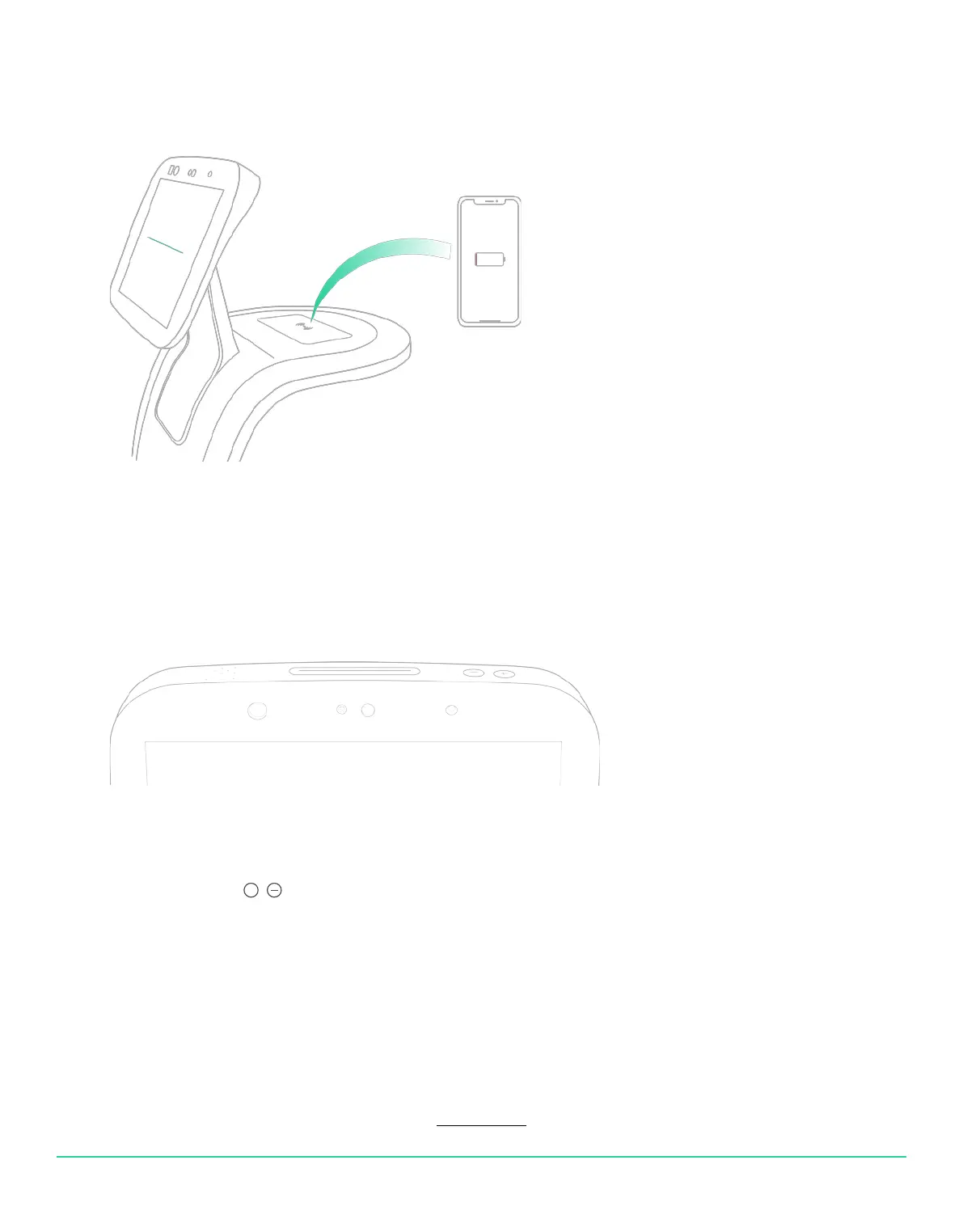
Qi tray
Volume control
USER MANUAL 16
Back to index
Temi’s tray is a Qi wireless charging surface that can also carry objects up to 6 pounds.
To charge your phone using the Qi tray, place a wireless charging compatible device on top of the
wireless charging icon.


 To Next Page