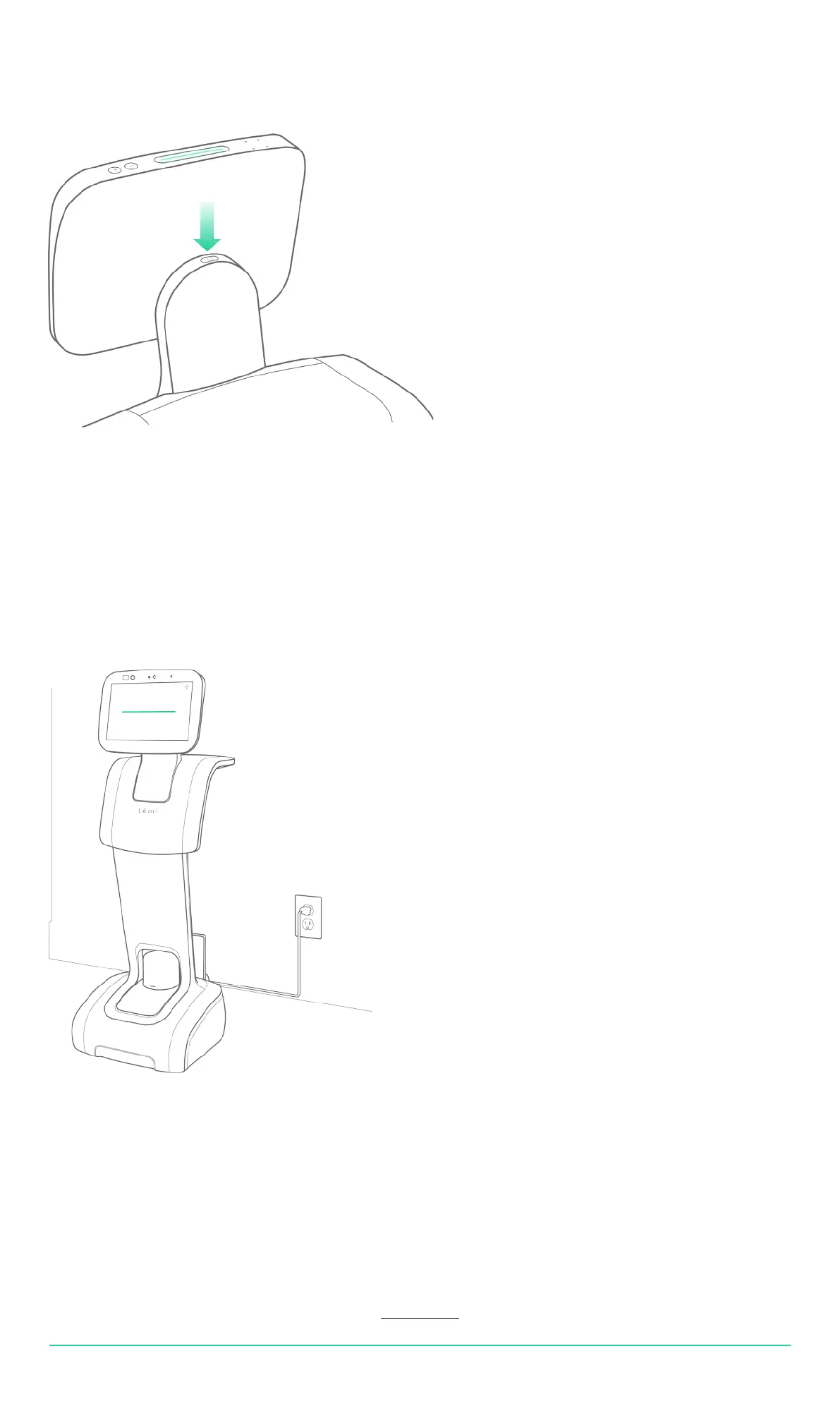
Powering temi
Power management
• To turn on temi, press the power button. LED indicator will light up.
• To turn off, press the power button for 3 seconds until LED indicator shuts off.
• When not in use, temi will automatically enter stand-by mode. Therefore, there is no need to power temi off.
• Fully charged temi can continuously operate in an average use prole for 8 hours.
• When temi is low on battery, it will display a screen alert including a button opting to send it to its home base.
• When charging, the battery icon will indicate charging state.
Power Save Mode
In order to save power when temi is not moving for more than 5 seconds its LIDAR will stop spinning.
When initiating follow mode allow the LIDAR 3 to 4 seconds to regain its spin.
USER MANUAL 06
Back to index



 To Next Page