Specify Advanced Settings
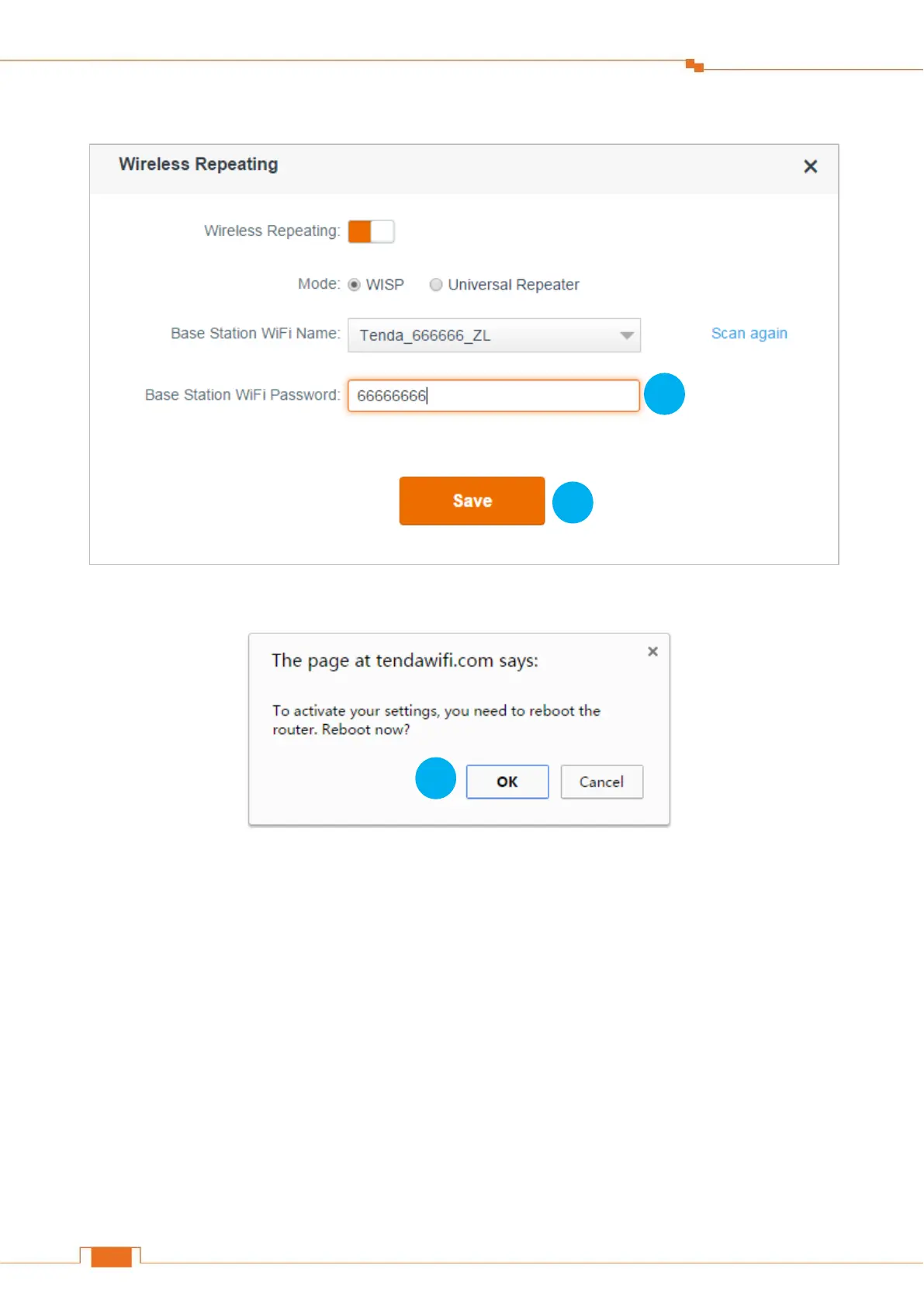
Click Save.
Click OK on the prompt windows.
Check whether the bridge is successful
After this Router (Router B) auto-reboots, log in to this Router’s (Router B’s) User Interface, and
click Internet Status. Check the connection status. If it displays Connected! You can surf the
Internet, it indicates that the bridge is successful.


 To Next Page
 Loading...