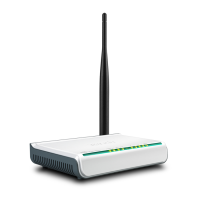
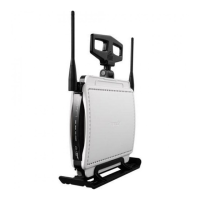
11N Wireless Broadband Router
80
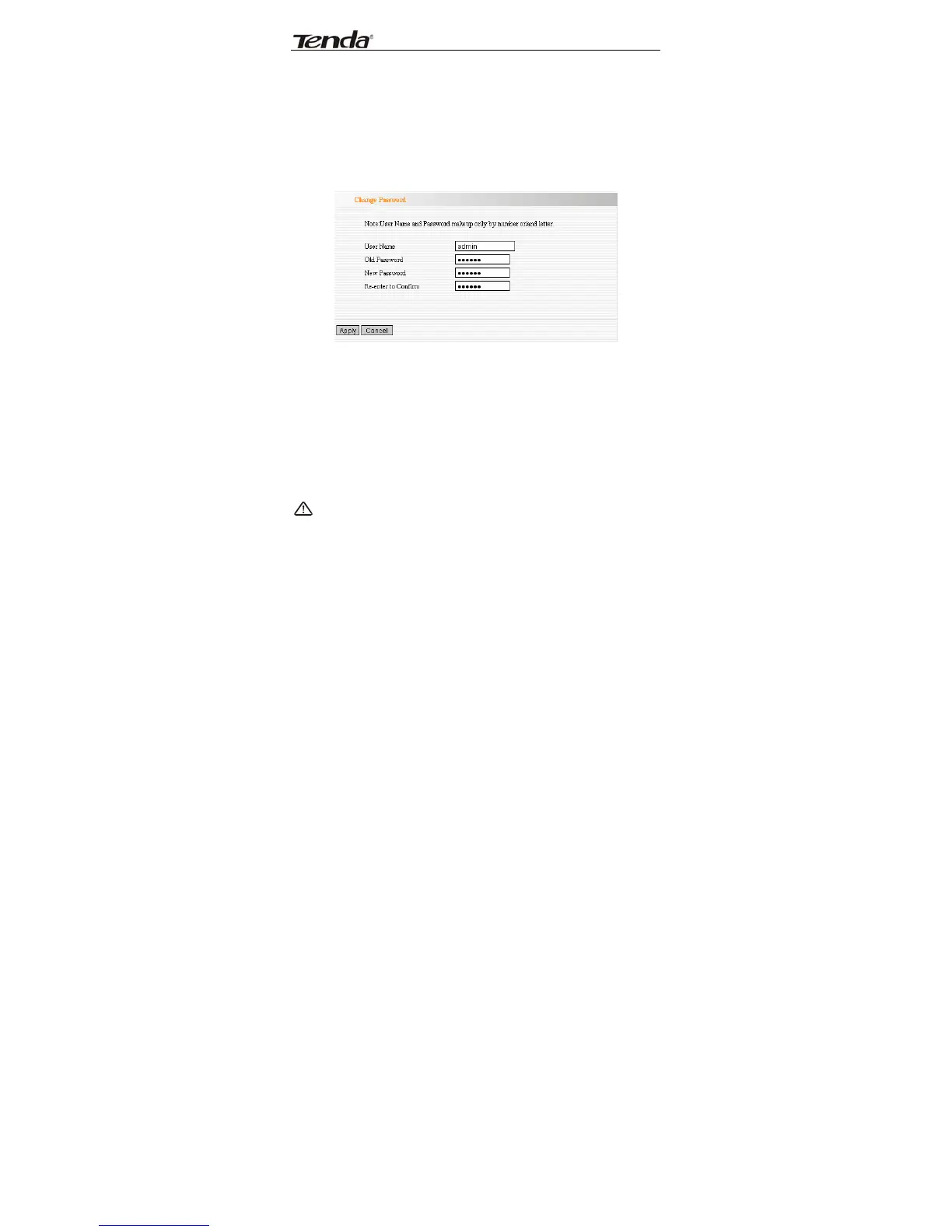
13.7 Password Change
This section is to set a new user name and password to
better secure your router and network.
¾ User Name: Enter a new user name for the device.
¾ Old Password: Enter the old password.
¾ New Password: Enter a new password.
¾ Re-enter to Confirm: Re-enter to confirm the
new password.
NOTE:
It is highly recommended to change the password
to secure your network and the Router.


 To Next Page
 Loading...