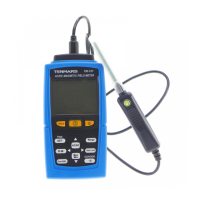
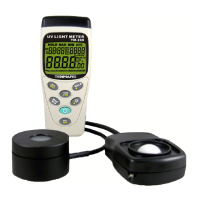
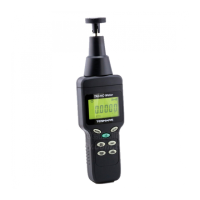
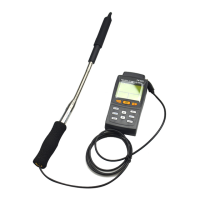
TM-185/TM-185D
7 Clock and Date setup
Push “ ” button into time clock and date
setup.
Push “ ”button to select option to adjust
Push “ ”or “ ” button to change the
digit.
Push “ ” button to store the setup then
exit the mode, If not push “ ” button then
exit clock and data setup.
This meter clock to introduce 12 hour time, if
you want change 24 hours, push” ”.


 To Next Page
 Loading...