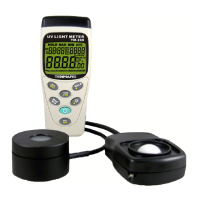
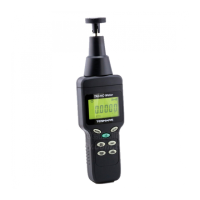
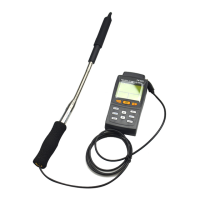
TM-185/TM-185D
14 End of life
Caution: this symbol indicates that
equipment and its accessories shall be
subject to a separate collection and
correct disposal
15 Auto Stores Data
Push “ ” button into time clock and
date setup.
Push “ ” button again into auto stores
time clock setup.
This time LED display show auto stores
data time,you can push to change
time unit (Max auto stores data time :23hour
59min 59sec)
Push “ ”or “ ” button to change
the digit.
If you want to store this setup push “ ”
button, If not push “ ” button then exit
auto stores data time setup.
If stores data will be writhing into memory
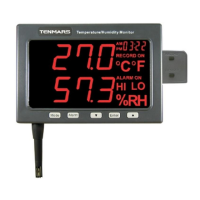
LED display show Record on


 To Next Page
 Loading...