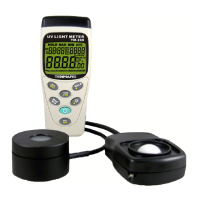
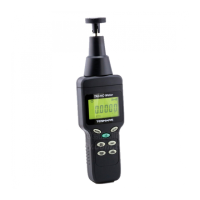
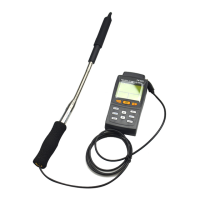
TM-185/TM-185D
12 Software installation (TM-185D)
Please put the CD in the PC that will be connected
to this meter.
Please select the USB driver that will be installed,
such as E:\TM-185D\PL-2303 Driver Installer.exe
(windows 2000 SP4/windows XP SP2), click twice on
the left key of the mouse to install the USB driver.


 To Next Page
 Loading...