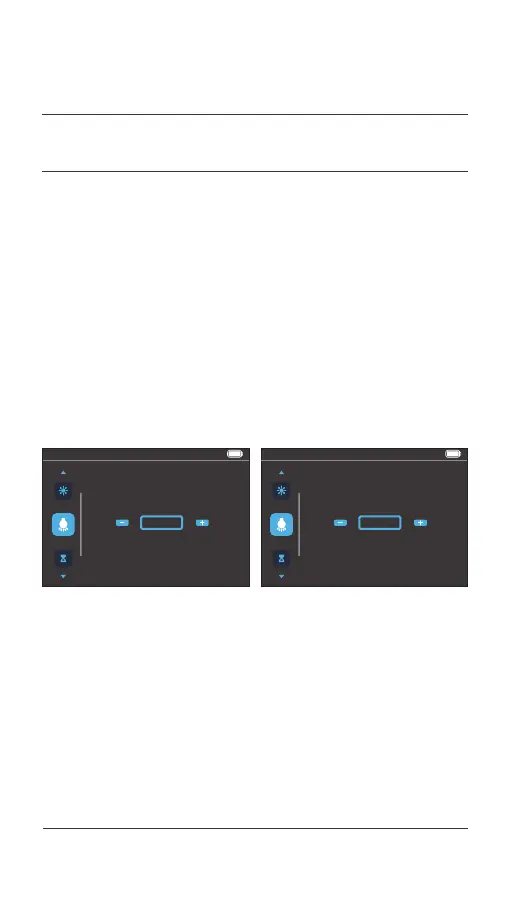
100%14:44
Auto Headlight
Press i to save
ON
100%14:44
Auto Headlight
Press i to save
OFF
After entering the menu preview interface, press the [ i ] button
to enter this menu item, and then click the [ + ] or [ - ] button to
select from ON / OFF.
Click the [ i ] button to confirm and save the setting, and switch
to the next menu preview interface.
4.5 Auto headlight settings
035 Display operations
04.
USER MENU



 To Next Page