Password
Back
Change Password
100%14:44
Password
Back
Change Password
100%14:44
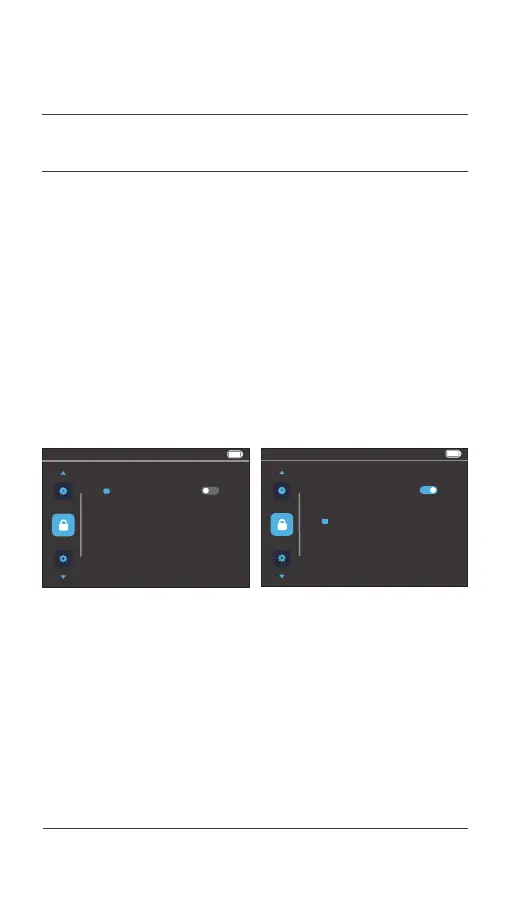
After entering the menu preview interface, press the [ i ] button
to enter this menu item. Click the [ + ] or [ - ] button to select
the Password option, and press the [ i ] button to enter the
Password item and select ON or OFF. Click the [ i ] button to
confirm the adjustment and exit.
When the Password option is ON, press the Power button to
confirm and enter the Change Password item and change the
current password by starting from the first digit. Click the [ + ]
4.6 User password settings
036 Display operations
04.
USER MENU



 To Next Page