Password
Back
100%14:44
9000
Password
Back
100%14:44
Succeeded!
System Info
HMI Version 8.4.4
100%14:44
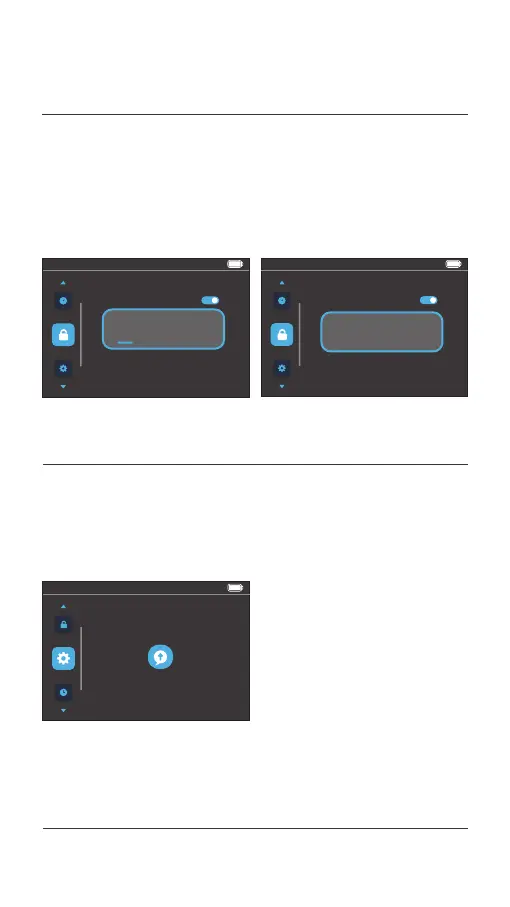
System information such as the software version will be
displayed after you enter the menu preview interface. The
version shown in the figure below is just an example.
4.7 System information
or [ i ] button to select a number from 0 to 9, press the Power
button to confirm the setting and go to the second digit.
Repeat the operation to set the entire password.
Select Back to exit the user password setting interface.
Display operations
04.
USER MENU



 To Next Page