22
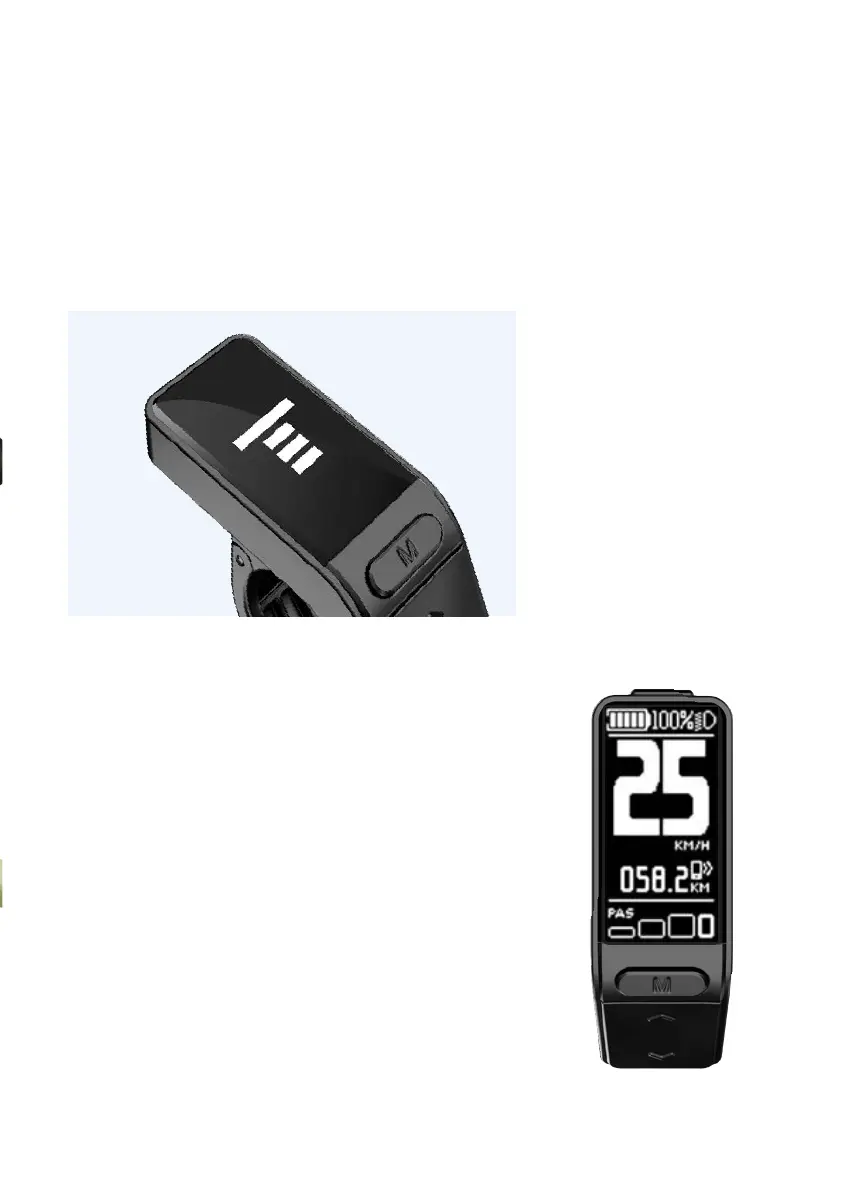
1.1. Welcome Screen
The Welcome Screen will be displayed for 2 seconds
after you turn the display on
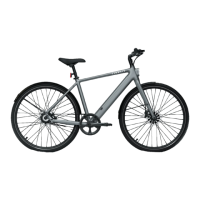
1.2. Main Interface
1) PAS: Your e-bike comes with 4 assist levels (from
low to high: 0, 1, 2, and 3) and a WALK mode.
2) KM/H: This represents your current riding speed.
3) KM: Accurate to one decimal place, the maximum
trip value is 999.9.
4) Power indicator: The remaining battery level (1 to 5)
or the under-voltage status will be displayed here.
An icon will flash if the device is under-voltage.
5) Front light indicator: The icon will be displayed
when the front light is on.
6) Bluetooth indicator: The icon will be displayed
when your e-bike is connected to a mobile phone.
1. Main Interface



 To Next Page