34
Turn on the display of your e-bike.
Keep your smart phone’s Bluetooth on, and make sure to grant Bluetooth access to
the TENWAYS APP.
Open the TENWAYS App, and give the App access to Bluetooth.
Tap “Register” on the Home Page.
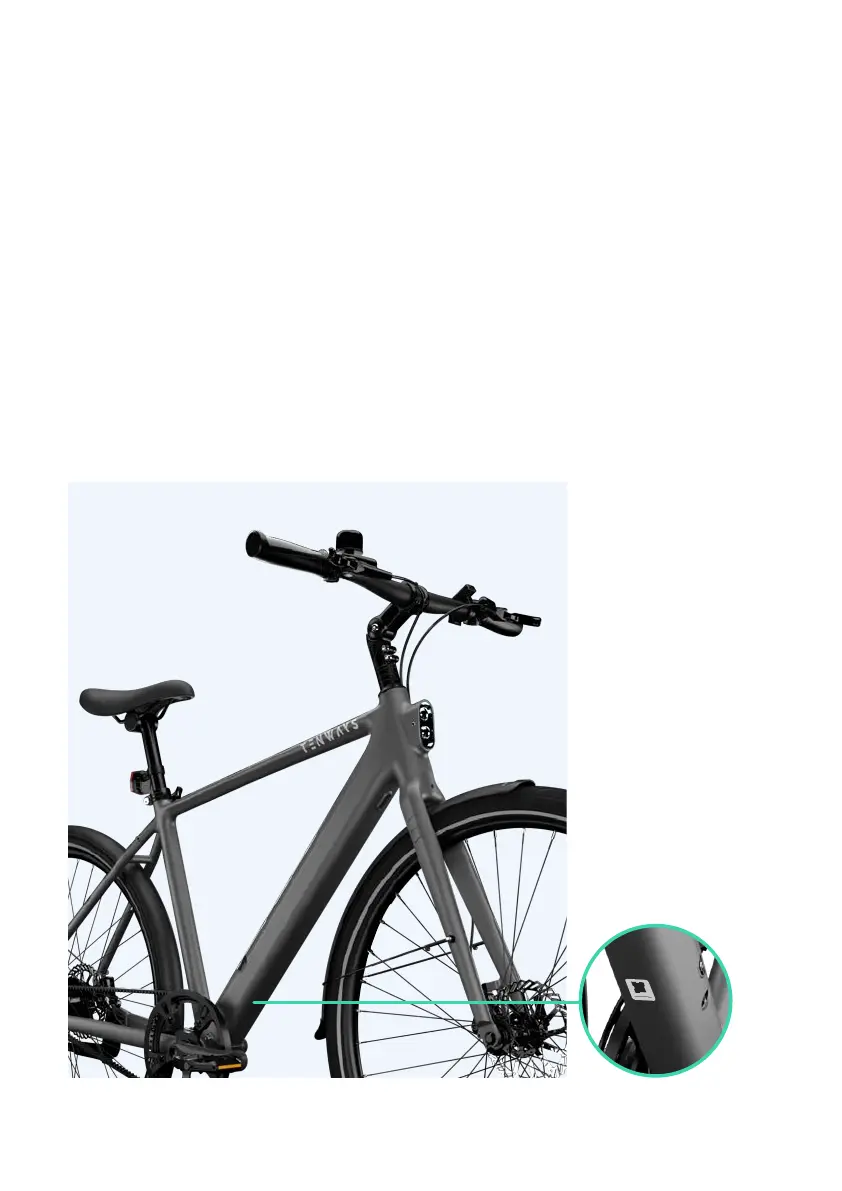
Follow the instructions and scan the QR code at the down tube.
Key in the name, color, and size of your e-bike, and tap “Ready to connect”.
Wait for your e-bike to appear on your screen, and tap on it to confirm connection.
1)
2)
3)
4)
5)
6)
7)
1. How to connect your e-bike to
the TENWAYS App



 To Next Page