24
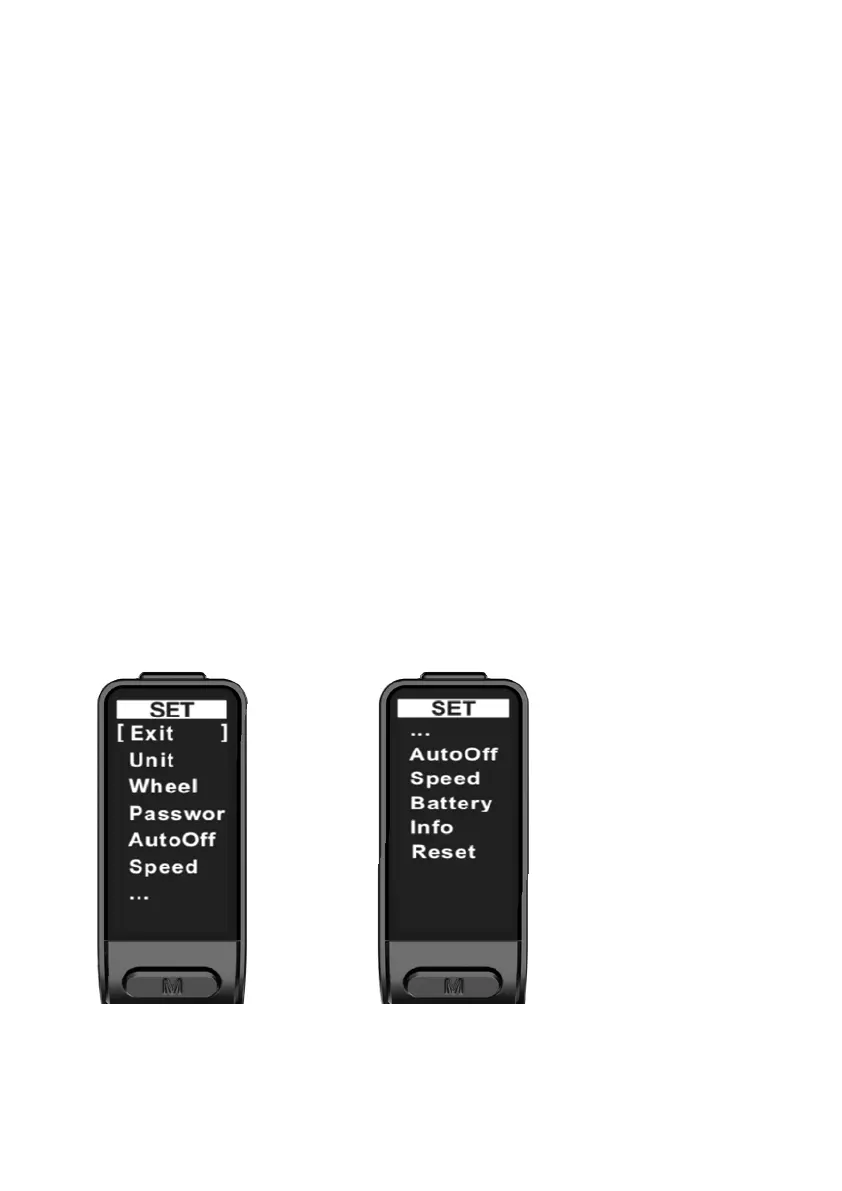
1.5. Settings Interface
1) Settings interface: This is to remind you that you're currently on the settings
interface.
2) Exit option and selection brackets: You will exit the settings interface and return
to the main interface if you select this option and short press the Function button.
The [ ] represents the currently selected menu option.
3) Unit: The speed and distance unit settings.
4) Wheel: The information about the wheel diameter.
5) Password: You can change or disable the password (by default, it's disabled).
6) Auto off: This refers to the duration after which the display will turn off
automatically (by default, it's 5 minutes).
7) Speed limit information: The maximum speed limit.
8) Battery: The information about the battery.
9) Hardware information: Information about the hardware.
10) Reset: You can restore factory settings with this option.



 To Next Page