Teo IP Phone 4101 User Guide 12
D
D
i
i
a
a
l
l
i
i
n
n
g
g
a
a
C
C
a
a
l
l
l
l
L
L
o
o
g
g
E
E
n
n
t
t
r
r
y
y
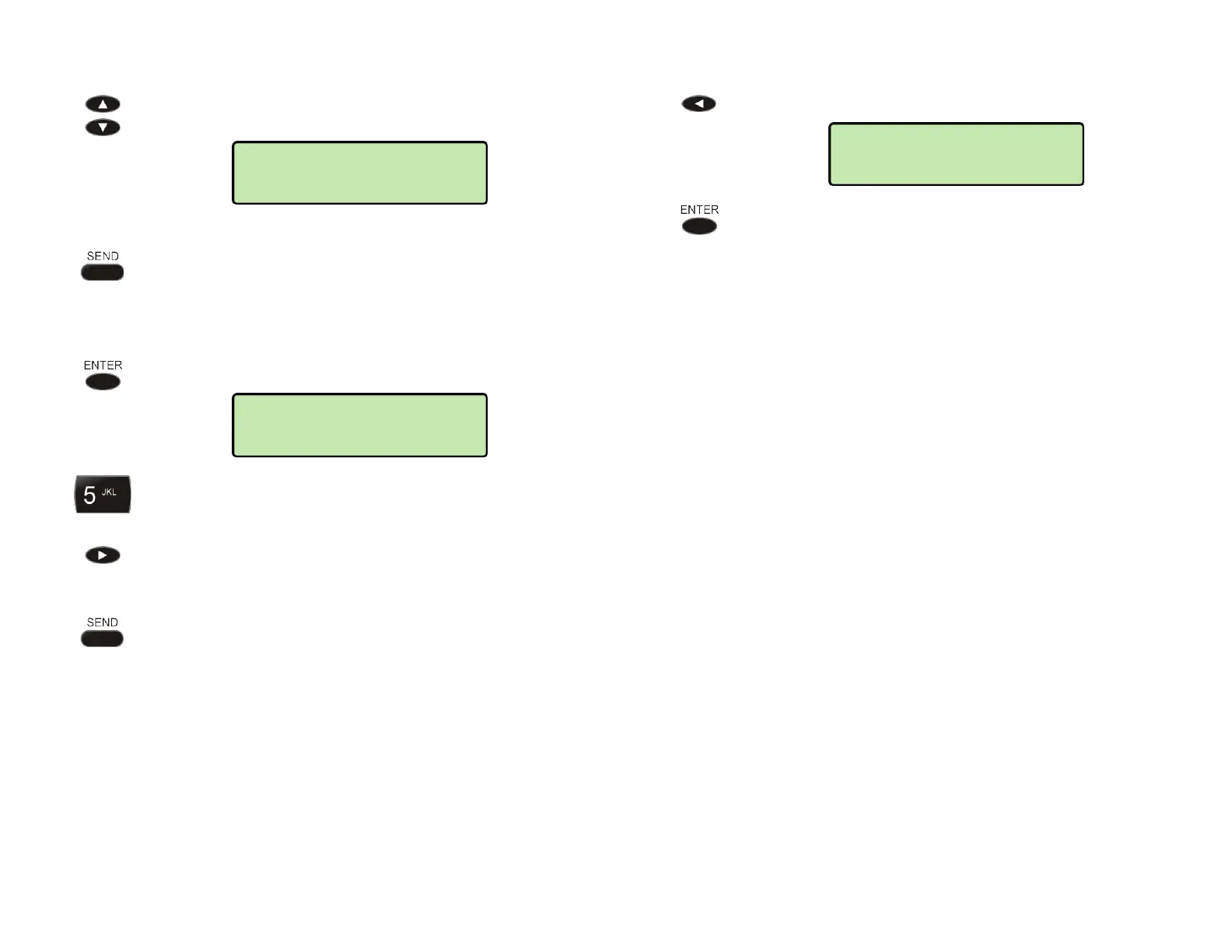
Select the call that you want to dial.
T
T
o
o
D
D
i
i
a
a
l
l
I
I
m
m
m
m
e
e
d
d
i
i
a
a
t
t
e
e
l
l
y
y
Press the SEND key.
T
T
o
o
A
A
d
d
d
d
A
A
d
d
d
d
i
i
t
t
i
i
o
o
n
n
a
a
l
l
D
D
i
i
g
g
i
i
t
t
s
s
b
b
e
e
f
f
o
o
r
r
e
e
D
D
i
i
a
a
l
l
i
i
n
n
g
g
Press the ENTER key.
The cursor will be at the left end of the dial string.
Add any required additional digits, such as outside
line or long distance access codes, with the dial pad.
If you need to add digits to the end of the dial string,
press the Right Arrow key to move the cursor to the
right.
When all digits have been entered, press the
SEND
or
ENTER key.
Note: Calls are automatically dialed after a preset
timeout that has been set by your installer.
D
D
e
e
l
l
e
e
t
t
i
i
n
n
g
g
a
a
C
C
a
a
l
l
l
l
L
L
o
o
g
g
E
E
n
n
t
t
r
r
y
y
Press the Left Arrow key.
Press the ENTER key to confirm the deletion of the
call from the log.
1034
DELETE LOG ENTRY
1034
1034
05/18/10 09:36AM



 To Next Page