Teo IP Phone 4101 User Guide 24
R
R
e
e
s
s
e
e
t
t
t
t
o
o
D
D
e
e
f
f
a
a
u
u
l
l
t
t
s
s
To set all receive and transmit preset volume levels
to the factory defaults, select RESET, and then select
YES to confirm).
Select SET TO DEFAULT or DON'T CHANGE.
C
C
o
o
n
n
f
f
i
i
g
g
u
u
r
r
i
i
n
n
g
g
A
A
u
u
t
t
o
o
A
A
n
n
s
s
w
w
e
e
r
r
The phone can be configured to automatically answer a call
when the phone is idle (page 7). Criteria for identifying an Auto
Answer call request are configured by your system
administrator. Calls can be answered in 2-way speakerphone
mode or with the microphone muted. Applications for the Auto
Answer feature include paging, intercom calls, ACD calls, and
dialing or answering from computer-based applications.
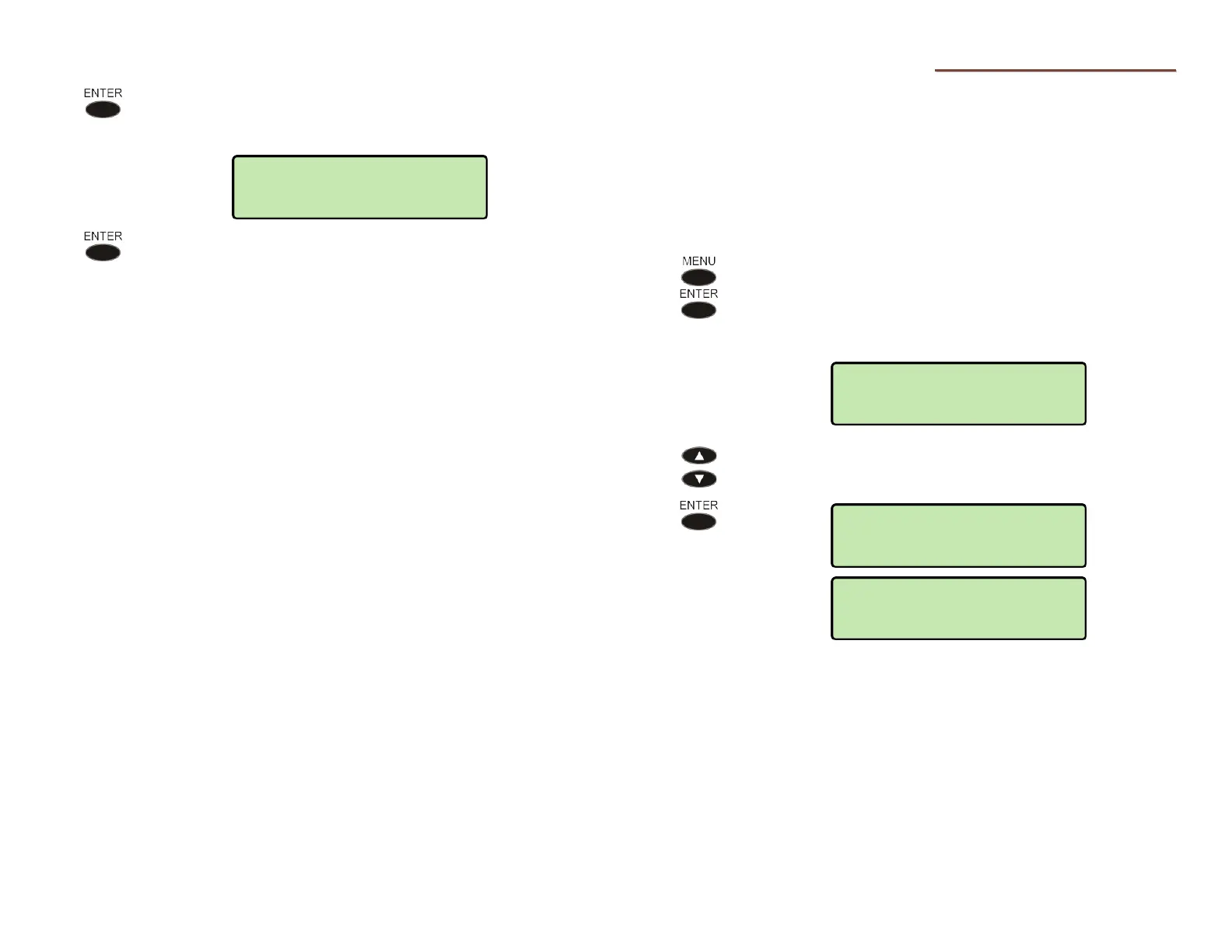
From the User Options menu, select KEYS.
(
MENU → USER → AUTO ANSWER)
The current Auto Answer state is shown in the
bottom line of the display.
To change the Auto Answer state, select ENABLED
2-WAY, ENABLED w/MUTE, or DISABLED.
When disabled, auto answer calls will ring normally
with a distinctive ring pattern.
USER>AUTO ANSWER
*ENABLED w/MUTE
*ENABLED 2-WAY
USER>AUTO ANSWER
*DISABLED
SET TO DEFAULT



 To Next Page