Teo IP Phone 4101 User Guide 13
U
U
s
s
i
i
n
n
g
g
t
t
h
h
e
e
C
C
a
a
l
l
l
l
D
D
i
i
r
r
e
e
c
c
t
t
o
o
r
r
y
y
W
W
h
h
a
a
t
t
i
i
s
s
t
t
h
h
e
e
C
C
a
a
l
l
l
l
D
D
i
i
r
r
e
e
c
c
t
t
o
o
r
r
y
y
?
?
The Call Directory is a speed dialing system that can store up to
12 entries. A name display identifies each entry. Use the
directory to store frequently-dialed numbers when additional
Speed Dial keys are not available.
D
D
i
i
a
a
l
l
i
i
n
n
g
g
f
f
r
r
o
o
m
m
t
t
h
h
e
e
C
C
a
a
l
l
l
l
D
D
i
i
r
r
e
e
c
c
t
t
o
o
r
r
y
y
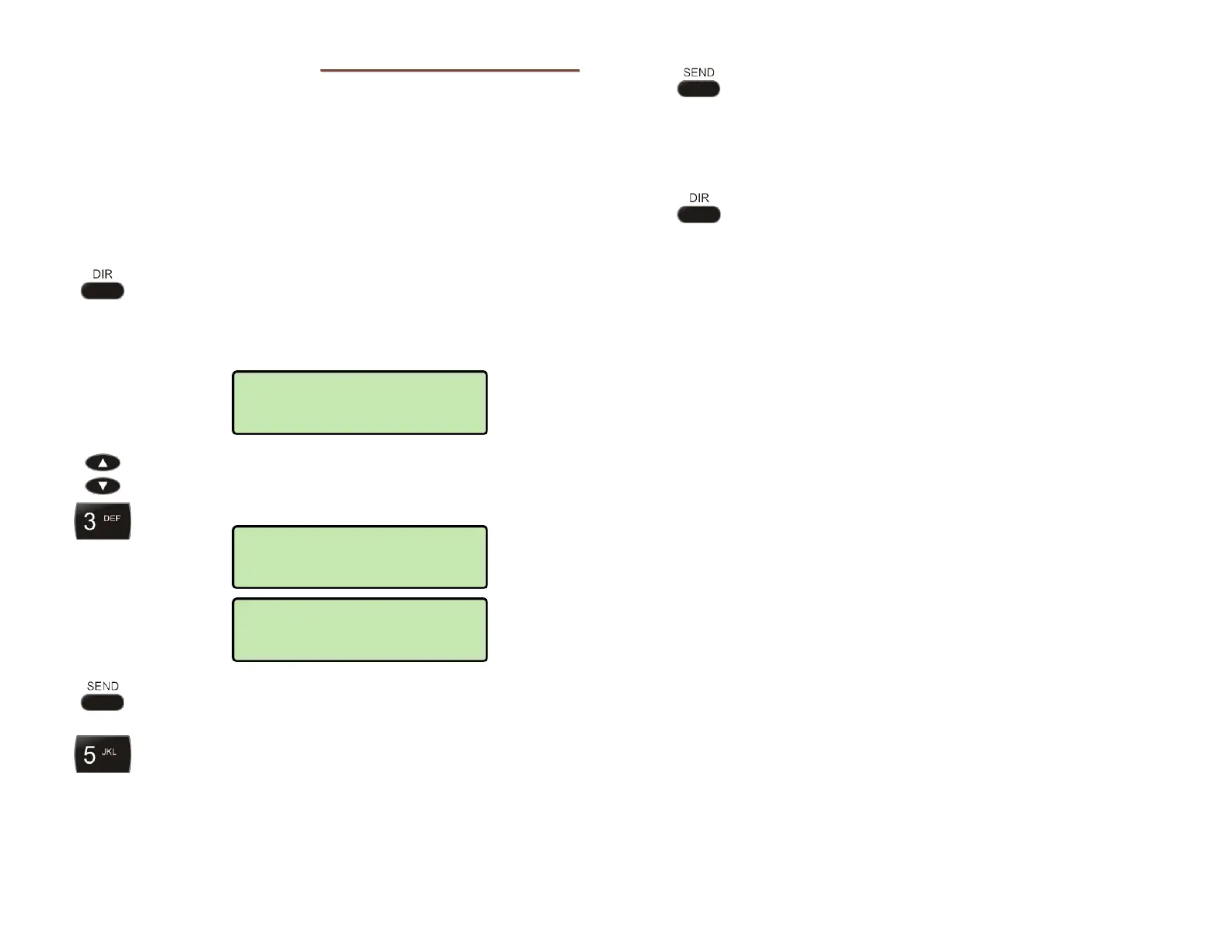
Press the DIR key.
The first directory entry will be displayed. A # character
at the end of the phone number inidcates that the call
will be dialed immediately after the entry is selected.
To display a different entry, press the Up Arrow or
Down Arrow key, or press the dial pad key
corresponding to the entry.
Press the SEND or ENTER key to select the entry for
dialing.
If the entry is not set up for immediate dialing, you
can add additional digits before dialing, such as
extension numbers or PIN codes.
When all digits have been entered, press the
SEND
or
ENTER key to dial the displayed number.
Note: Calls are automatically dialed after a preset
timeout that has been set by your installer.
To exit the Call Directory without dialing or deleting
an entry, press the
DIR key
To add or change directory entries, see page 21.
5554321
Connecting
Jill Morton
5554321
Mike
10238#



 To Next Page