Teo IP Phone 7810 User Guide 20
D
D
i
i
s
s
p
p
l
l
a
a
y
y
i
i
n
n
g
g
T
T
e
e
l
l
e
e
p
p
h
h
o
o
n
n
e
e
I
I
n
n
f
f
o
o
r
r
m
m
a
a
t
t
i
i
o
o
n
n
Press the
INFO
key to display information about your
telephone, network, and installed options.
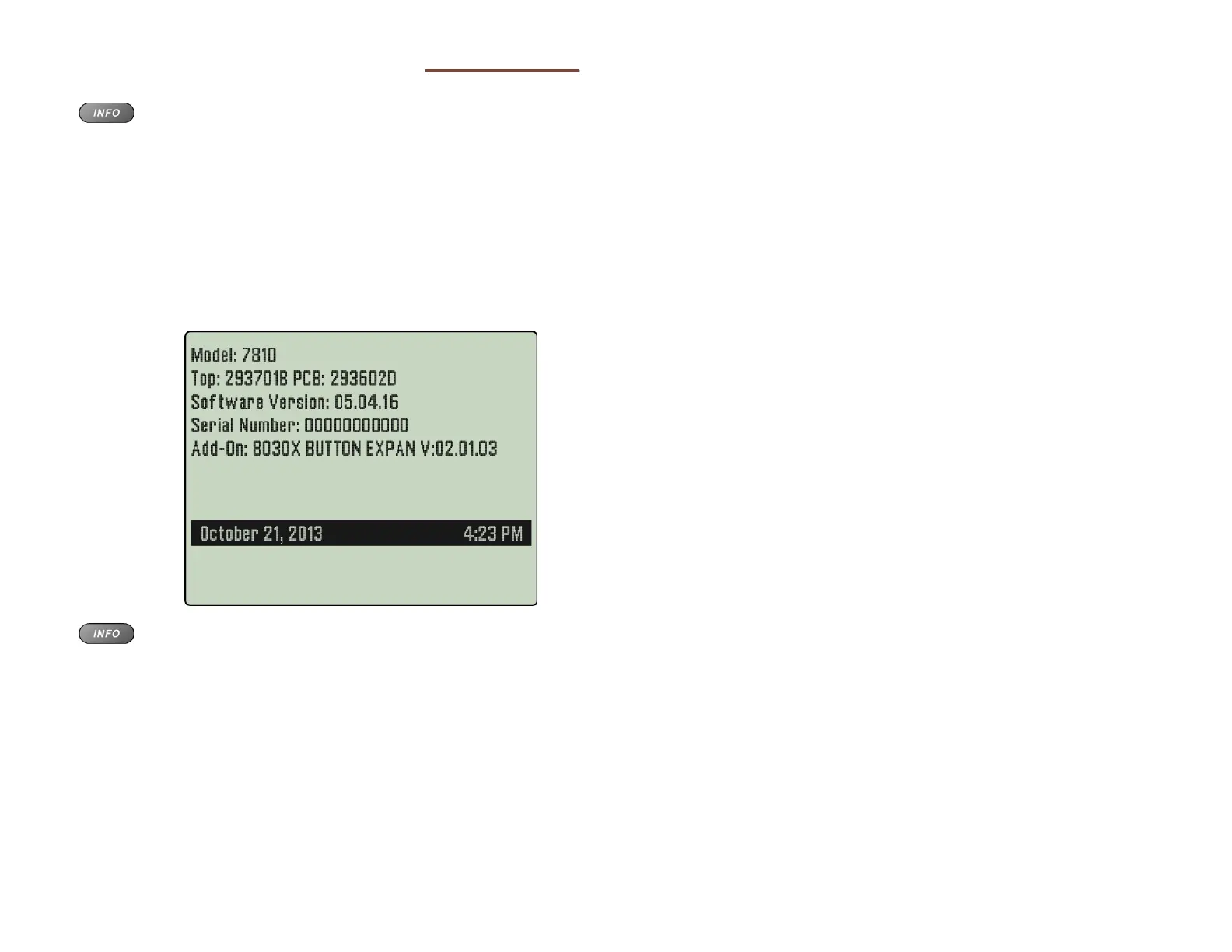
The display will show:
• Telephone model number
• Hardware versions
• Software version
• Serial number
• Add-On model numbers and software
versions
Press the INFO key again, press the OK key, or lift the
handset to return to the normal active call display.



 To Next Page