Teo IP Phone 7810 User Guide 23
S
S
e
e
t
t
t
t
i
i
n
n
g
g
t
t
h
h
e
e
T
T
i
i
m
m
e
e
a
a
n
n
d
d
D
D
a
a
t
t
e
e
Note: If server-based (SNTP) automatic time update is
configured on your phone by your installer, manual time
and date settings will be overwritten.
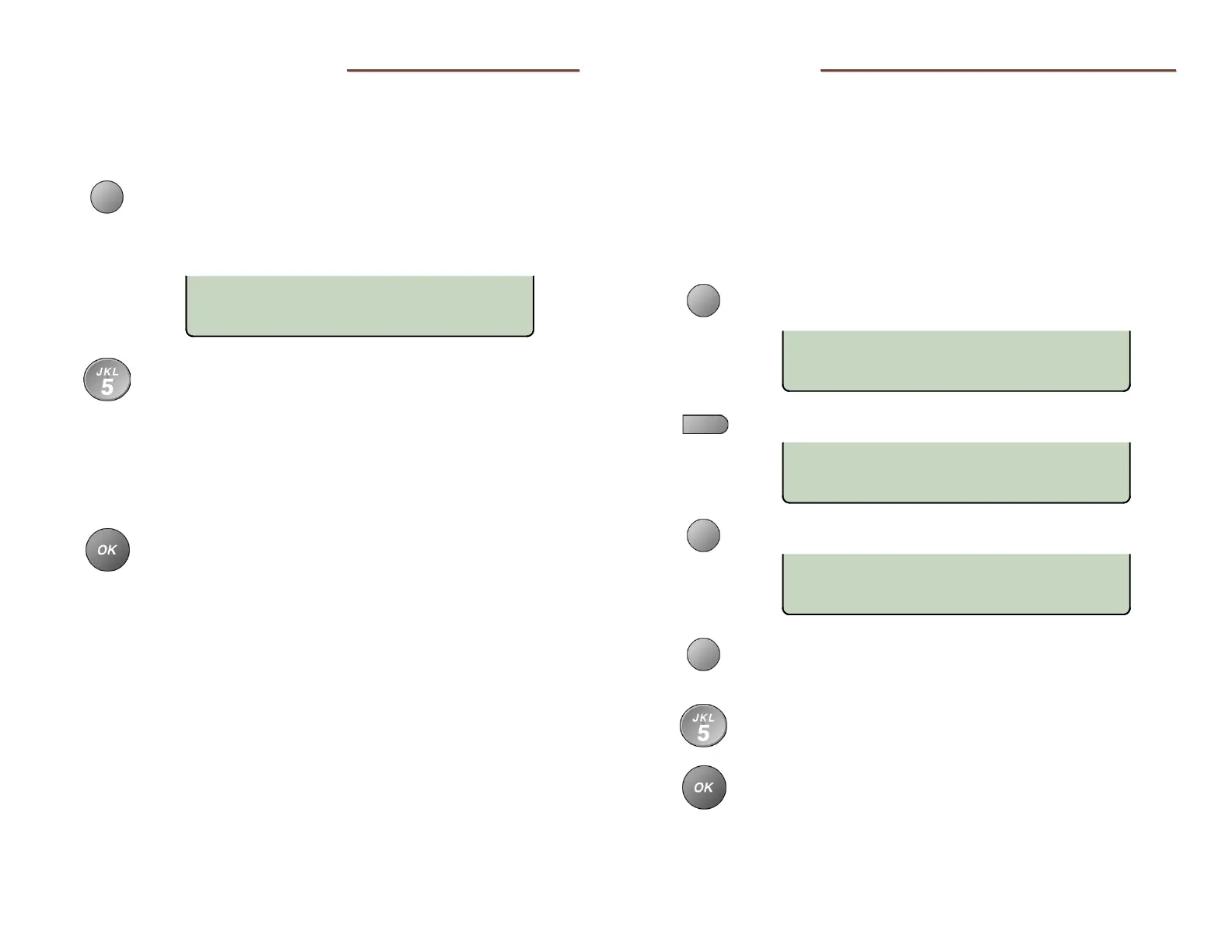
From the User Options menu, select CLOCK.
(
SETUP → USER
→ CLOCK)
The current time and date will be displayed, with the
cursor on the first digit.
Enter new digits for the date and time with the dial
pad. The cursor will advance automatically as each
digit is entered.
Time must be entered in 12-hour format. AM/PM is
changed with a softkey.
If you need to make corrections, use the Left or Right
Arrow key to move the cursor.
When all changes have been made, press the OK key
to return to the User Options menu or press the
SETUP key to exit Setup Mode.
L
L
a
a
b
b
e
e
l
l
i
i
n
n
g
g
K
K
e
e
y
y
s
s
The 10 multifunction keys on the phone are labeled on the
display. You can customize the labels for Line Appearance,
Speed Dial, and DSS/BLF keys by entering user names or other
identifiers.
Paper labels are used on the 8030X Button Expansion Module. You
can download 8030X label templates for Microsoft Word from
www.teotech.com.
From the User Options menu, select KEYS.
(
SETUP → USER
→ KEYS)
Select a Speed Dial, Line, or DSS/BLF key.
Select LABEL.
Select CLEAR to remove the existing label, or press
the Left or Right Arrow key to move the cursor
position for editing.
Using the dial pad, enter a label (18 characters max.,
less for wide characters) to identify the key (page 7).
Press the
OK key to return to the key's options
menu; press again to return to key selection.
LBL=SPEED DIAL
DELETE CLEAR ABC
SPDIAL=3491000
NUMBER
SELECT A KEY
04-29-14 11:16AM
AM/PM



 To Next Page