Teo IP Phone 7810 User Guide 31
P
P
e
e
r
r
s
s
o
o
n
n
a
a
l
l
R
R
i
i
n
n
g
g
i
i
n
n
g
g
O
O
p
p
t
t
i
i
o
o
n
n
s
s
Ringing Tone
Your telephone has six distinct ringing tones available. A single
unique ringing tone can be assigned to each phone, or
individual unique ringing tones can be assigned to each line
appearance. In office environments with multiple phones,
unique ringing tones can help identify ringing phones.
Individual unique ringing tones for each line appearance are
useful for vision-impaired users, or for users that handle call
answering for multiple clients.
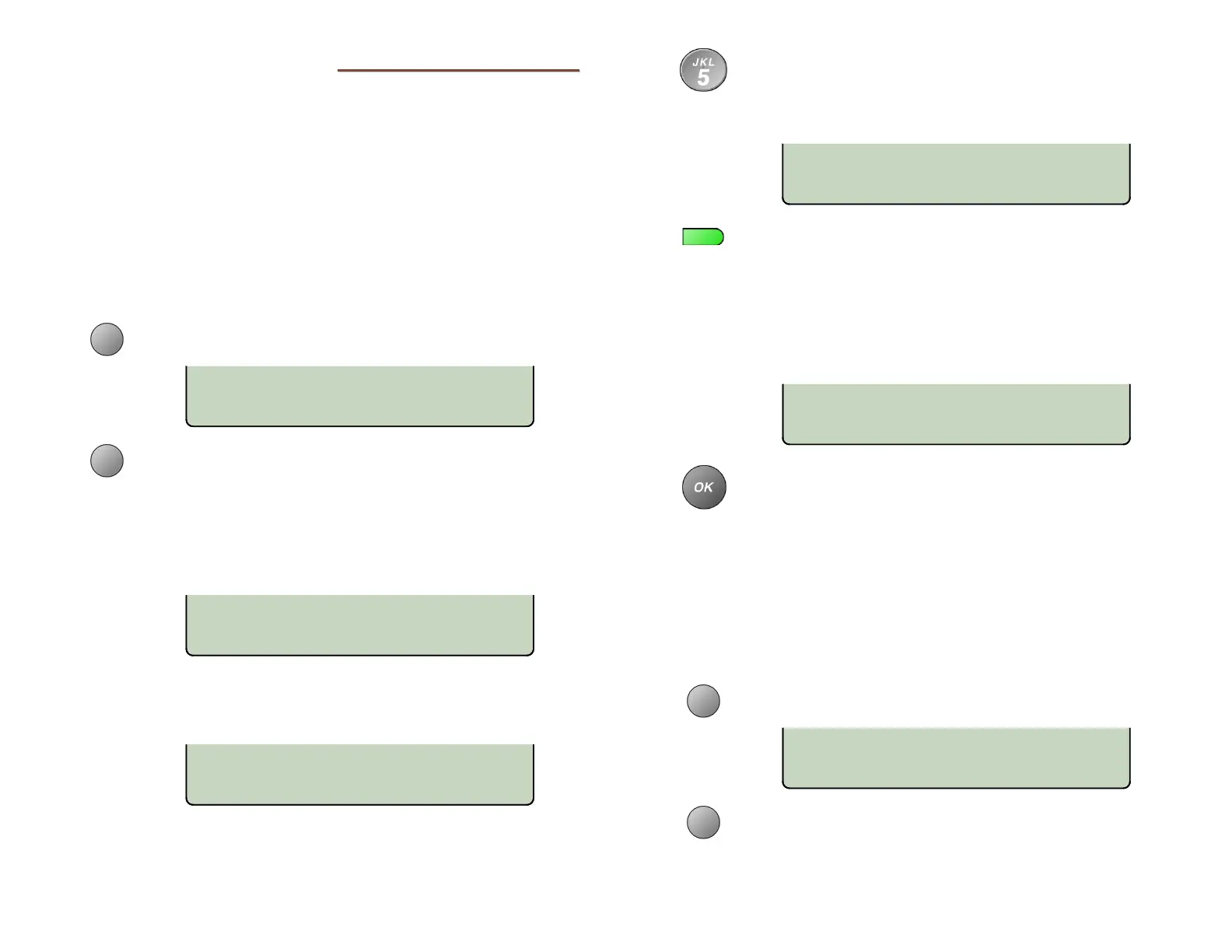
From the User Options menu, select RING.
(
SETUP → USER
→ RING)
Select the TONE option.
All multifunction keys that are programmed for line
appearances will have a steady green indication.
‘ALL KEYS’ will be shown in the upper line of the
display if all keys are currently set to use the same
ringing tone.
If individual line appearances are using unique
ringing tones, the setting for the first Line
Appearance key will be shown in the upper line.
To use the same ringing tone for all Line
Appearance keys, select ALL (if shown in the
display), and then press a dial pad key (1-6) to select
a ringing tone and hear a sample of the tone.
To use individual ringing tones, press a lit Line
Appearance key, and then press a dial pad key (1-6)
to select a ringing tone for the line appearance and
hear a sample of the tone. Repeat for other Line
Appearance keys.
Consecutive line appearances that share a single phone
number will use the same ringing tone.
When finished, press the OK key to return to the
Personal Ringing menu or press the
SETUP key to
exit Setup Mode.
Off-Hook Ringing Options
Incoming calls ring at a muted volume level when you are off-
hook on another call. You can select normal ringing or a single
burst of the ringing pattern.
From the User Options menu, select RING.
(
SETUP → USER
→ RING)
Select the OFFHK option.
PERSONAL RINGING
TONE
CONTRL LCFWD
RINGING TONE=4 KEY02
KEYPAD 1-6 OR ALL
RINGING TONE=6 ALL KEYS
KEYPAD 1-6 OR LINE KEY
RINGING TONE=3 KEY01
KEYPAD 1-6 OR ALL
RINGING TONE=5 ALL KEYS
KEYPAD 1-6 OR LINE KEY
PERSONAL RINGING
OFFHK CONTRL LCFWD



 To Next Page