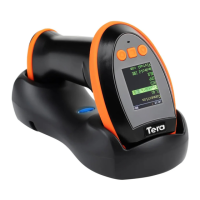
Need help?
Do you have a question about the Tera 6900 and is the answer not in the manual?
Default USB mode, no additional software required for scanner operation.
Emulates serial port; requires virtual COM driver installation for scanner.
Specific USB interface type for IBM table top systems configuration.
Specific USB interface type for IBM hand-held systems configuration.
USB interface for OPOS compliant hand-held systems setup.
Configure and enable prefix characters for barcode data transmission.
Removes any previously configured prefix characters from scanner settings.
Configure and enable suffix characters for barcode data transmission.
Removes any previously configured suffix characters from scanner settings.
Specify the number of characters to hide from the beginning of barcode data.
Specify the number of characters to hide from the end of barcode data.
Frequently asked questions and answers for troubleshooting scanner issues.
Troubleshooting steps for when the scanner fails to power on or illuminate.
Resolving issues where scanned data is garbled or incorrect.
Diagnosing and fixing problems with the scanner not reading barcodes.
Addressing general scenarios where barcode reading is unsuccessful.
 General
| Brand | Tera |
|---|---|
| Model | 6900 |
| Category | Barcode Reader |
| Language | English |


 To Next Page