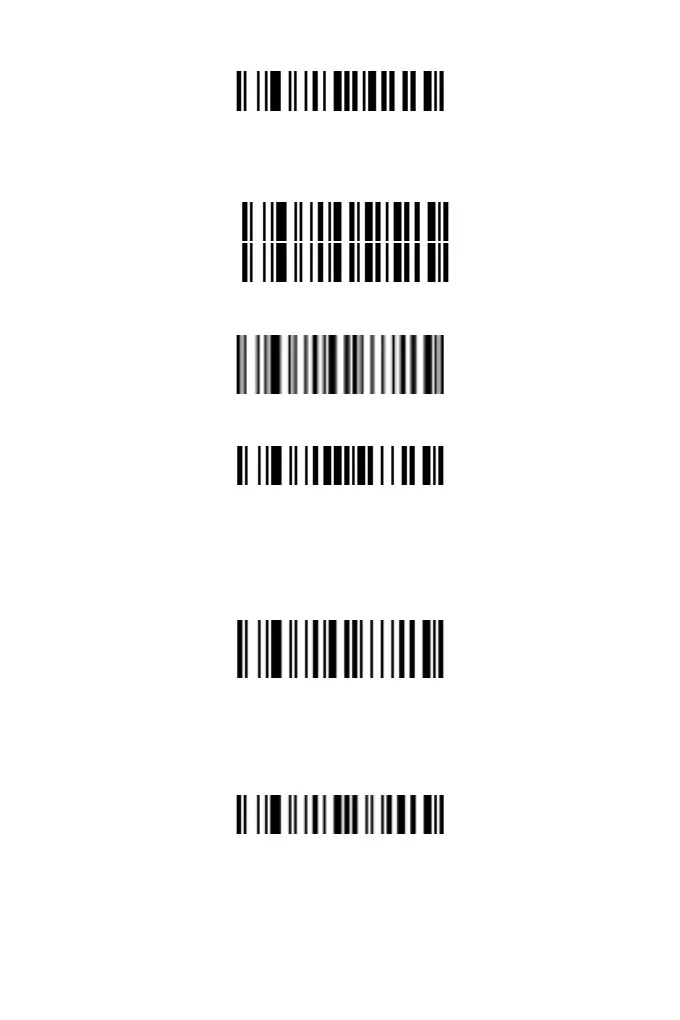
Start Setting G2
11. According to the content to be added, refer to " Appendix 1" and
corresponding setting codes to the custom the string. ("0 0" means
G2 is an empty string.)
0
0
12. Scan the "End Parameter Input "setting barcode. If you hear
"Du-Di", the setup has successed.
End Parameter Input
13. Scan the setting barcode "Insert String 2".
Insert String 2
14. Scan the number of the string to be inserted. (1 and 2
correspond to G1 and G2 respectively; 0 means no insertion.)
15. Scan the "End Parameter Input "setting barcode. If you hear
"Du-Di", the setup has successed.
End Parameter Input
Hide Prex and Sufx
Hide Prex
Users can hide prefix as follows:
1. Scan the barcode "Hide Prefix"
Hide Prefix
2. Scan the following barcode “F” for several times to determin the
number of the hidden characters. (Each character corresponds to
two “F”, for example, scanning “F” for 4 times means 2 characters
will be hidden.)
9



 To Next Page