AUDIO
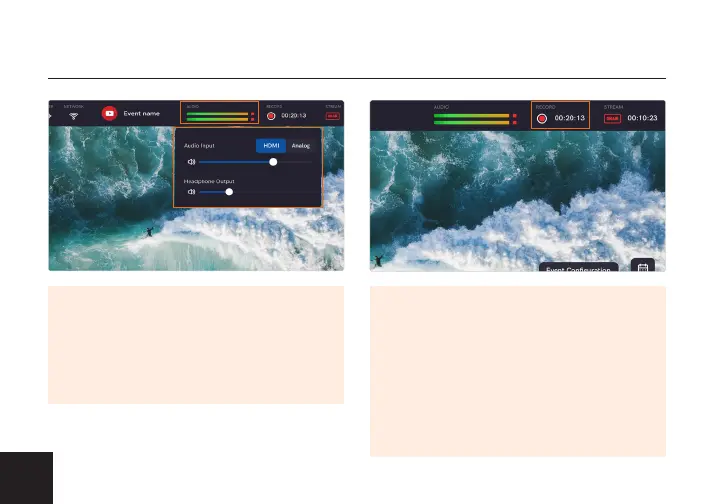
The Audio drop-down tab allows you
to select an HDMI or Analog input, and
adjust the Audio input and Headphone
output volume.
RECORDING
Tap the Recording tab to Start or Stop
your recording when Recording is
enabled. If Recording is disabled, tap
the tab to enter the Recording Settings,
where you can either enable or disable
the recording function and select a
drive to record to.
10



 To Next Page