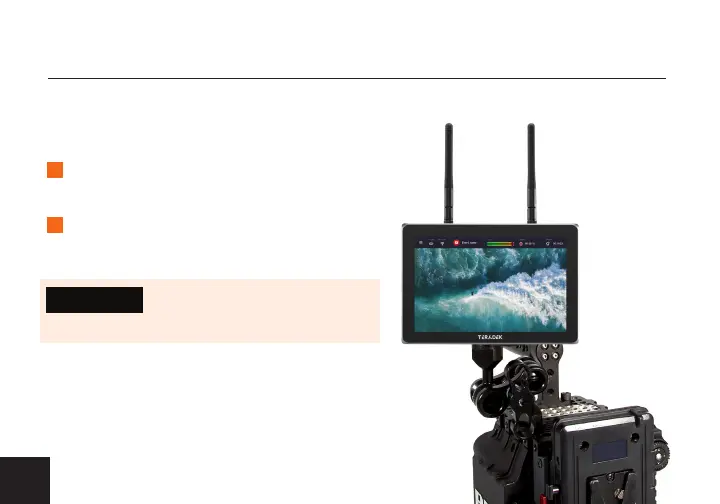
Wave has a three 1/4”-20 threaded holes: one on the bottom to mount on a camera, and
two on each side to install the included stand kit.
MOUNTING
Wave can be
mounted vertically
on a camera.
MOUNT ON A CAMERA
1
2
Attach Wave to your camera’s arm
mount, then screw on to secure.
Orient the WiFi antennas so that
each one has clear line−of−sight.
4
• DO NOT OVERTIGHTEN SCREWS.
Doing so can damage Wave’s chassis
and internal components, voiding the warranty.
CAUTION:



 To Next Page