17
How can I select the rope number ( tackle )?
Simply pushing two buttons on the control panel.
ROPE NUMBER (TACKLE) SETTING UP
ROPE NUMBER (TACKLE) SETTING UP
LINES OF ROPE SETTING UP
It’s necessary to set the line of ropes value
every time that the winch rope’s number
changes.
WARNING :
A miscalculation of the lines of rope, could
lead to danger situation
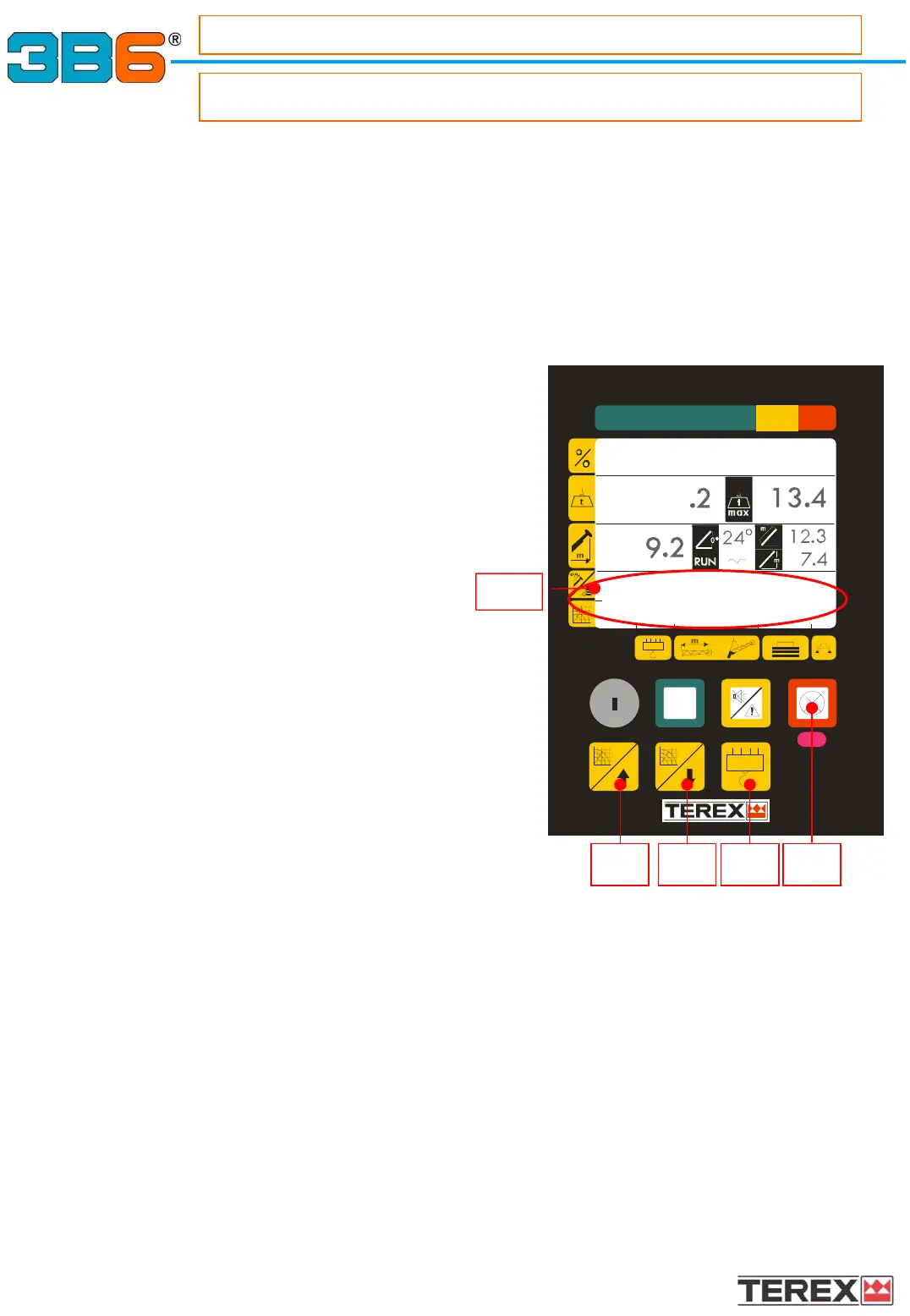
To modify the line of rope, please proceed as
follows:
• Press the button 10 until on the display
(zone 1.8) the description of load table in use
is shown.
• Press button 8 to increase or 9 to decrease
the number of rope lines.
• Press red button (7) to confirm
proper setting.
NOTE : If the load on the rope is higher than
the single rope maximum admitted
load, the system puts itself in alarm
conditon and a message will appear.
8 9 7
1.8
10
I – II% 50 III - % 50
202 2 0 0 38



 To Next Page