m
m
%
SET POINT 2 (TWO)
Press and release the green pushbutton to access to the following menu:
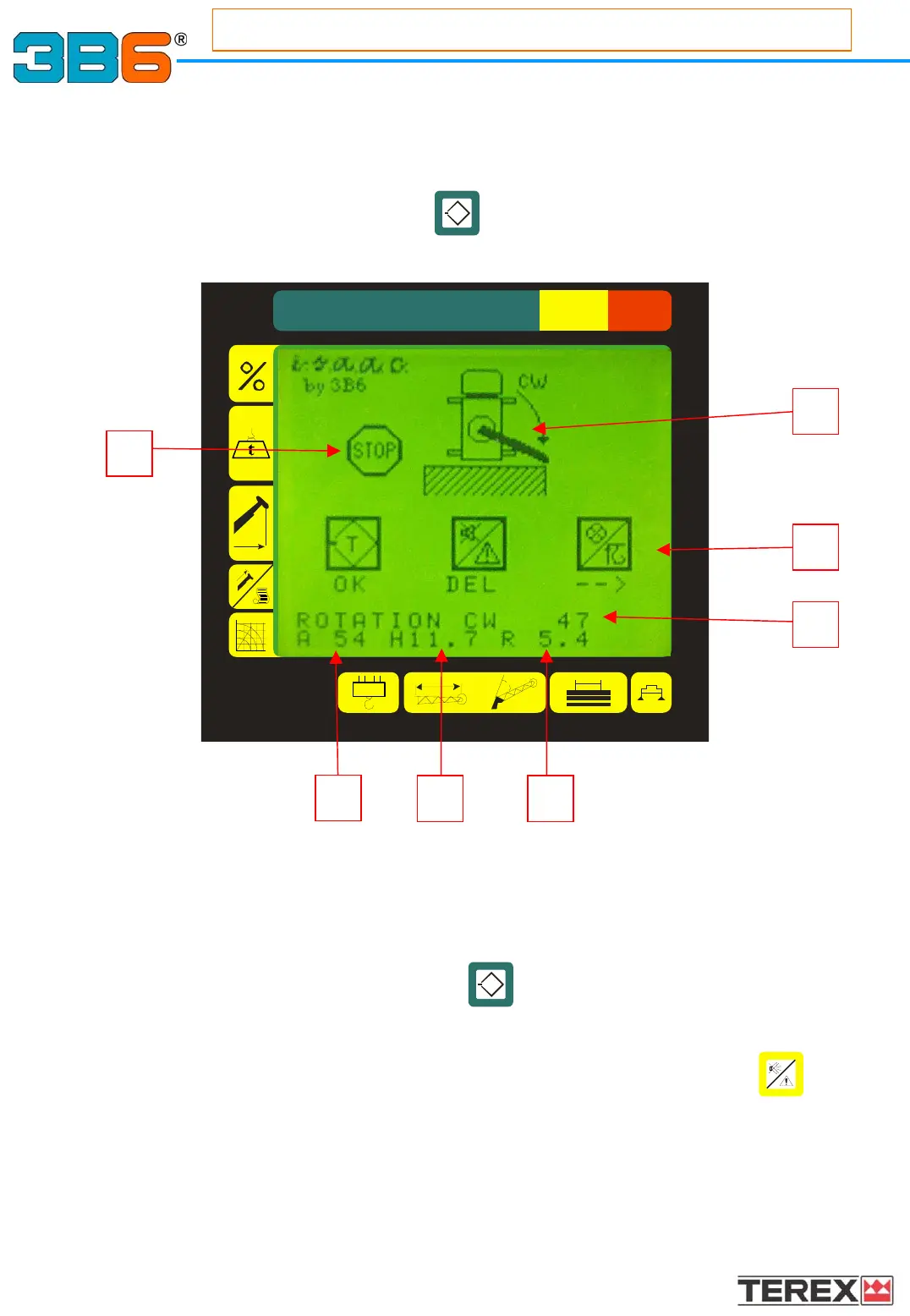
This menu sets the max CW point (point two) of the WALL.
How to store point 2 (two):
Rotate the turret in the max CW position allowed, position the hook to the second
point (radius set).
Press and release the green button .
In the text line (3) you will see a certain value, in degrees that is the maximum
rotation angle allowed, as final point. This value is expressed in degrees.
To cancel the stored value, press and release the yellow pushbutton .
As soon as point 2 is confirmed, the page changes in:
Working Area Limiting Link: (option)
Working Area Limiting Link: (option)
i.s.a.a.c. (interactive space advanced automatic control)
1
3
2
7
65
4
27
Appendix
T
T



 To Next Page