2. Packing Contents
1. Overview
TDAS is the collecve name of the TerraMaster Direct Aached Storage. This device belongs to the
TerraMaster TDAS device series. Please read the instrucons carefully before use. If you have any quesons,
please visit the “Support” secon on TerraMaster’s official website or contact TerraMaster’s technical support
team.
When you receive your newly purchased TDAS device, please visit to TerraMaster’s official website
(www.terra-master.com) first, find the page of “Quick Guide”, and perform the installaon and make changes
to the sengs according to the Guide.
In order to meet the improvement requirements of this device, the external design, specificaons and other
aspects of this device may be changed from me to me without prior noce.
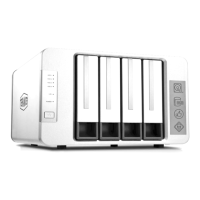
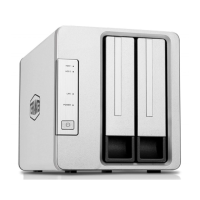
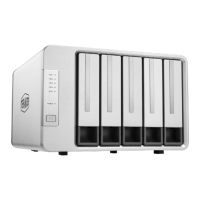
Please note that the pictures and illustraons in this manual are only intended as an illustraon may be
different from the real device.
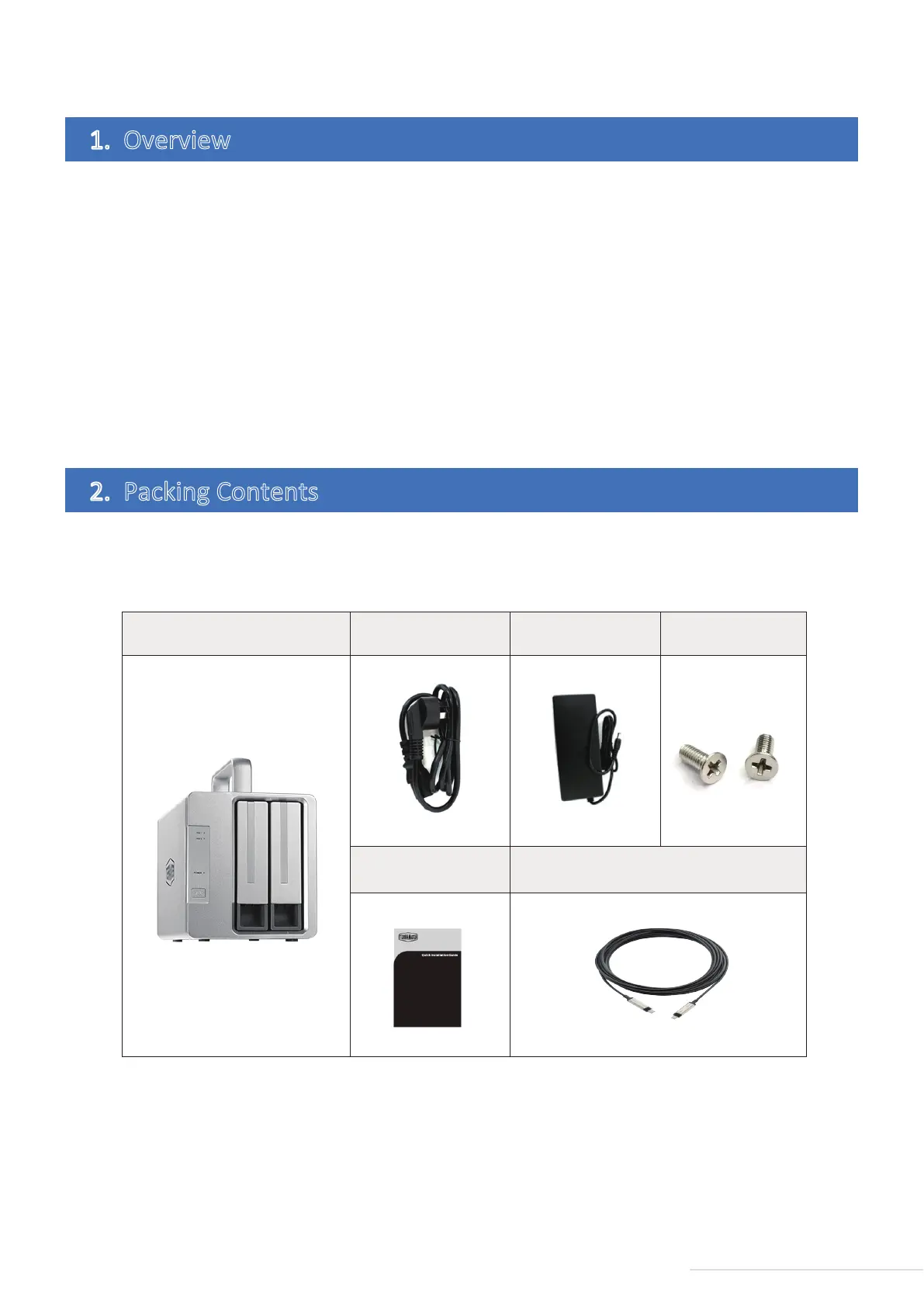
When you receive your newly purchased device, please check whether the package contains the following
arcles. If any of them are missing, please contact our dealer in me.
2
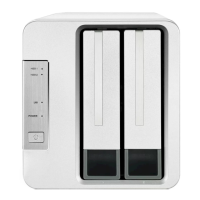
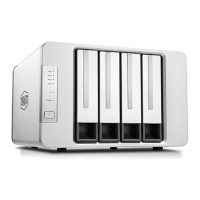
Model:D2 Thunderbolt 3
Main unit Power cord Power adapter Several screws
Quick guide
Thunderbolt3 Cable



 To Next Page