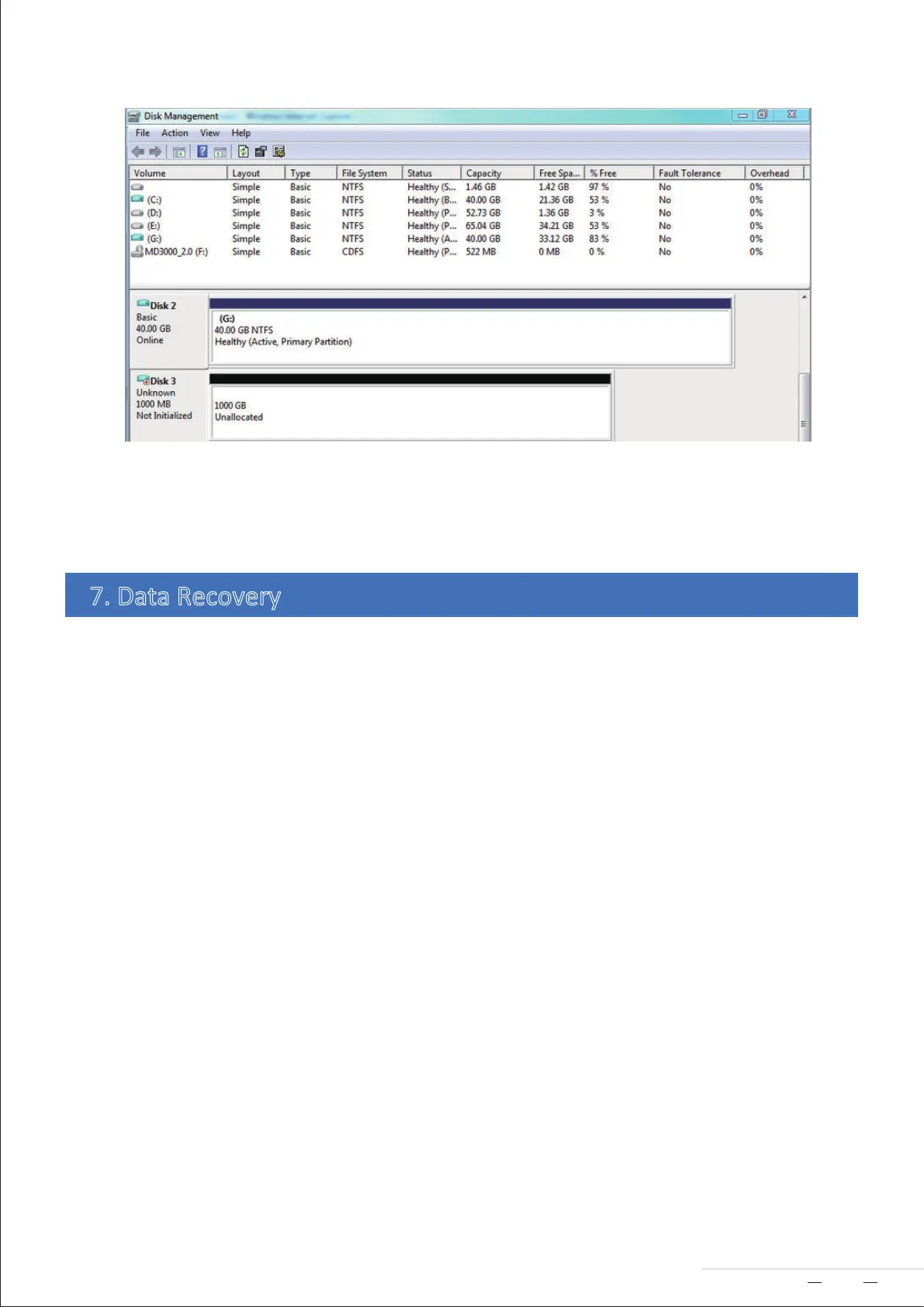
END
Warning!
Creang or changing RAID may lead to formang of hard drives, and consequently all the data on the hard
drives will be deleted. Please back up the data in the hard drives beforehand.
Note:
While you are replacing the faulty hard drive, this device needs to remain powered on and connected to the
computer. The capacity of the new hard drive should be larger than or equal to that of the faulty hard drive.
The amount of me that data recovery takes depends on the capacity of the hard drive. It ranges from a few
hours to tens of hours. The device and the computer need to remain powered on during data recovery.
During the data recovery, the indicator of the newly inserted hard drive (referred to as the secondary disk)
flashes orange, and the indicator of the original drive flashes green.
If one of the hard drives becomes faulty while the device is in RAID 1, you can replace the faulty hard drive,
and data will be automacally recovered.
7. Data Recovery
7
Model:D2 Thunderbolt 3



 To Previous Page