For Windows users, disk array inialisaon and formang can be completed as below:
C. Choose external disk, then click “Erase”. Now, fill in the sengs in the “Erase” menu, and click “Erase”.
Once the erase process is finished, disk array inialisaon is complete;
(i) Move your cursor to “My Computer”, then right-click;
(ii) Go to Property > Disk Management;
(iii) Locate the unallocated disk in the menu, then inialise and format it.
(iv) If you having difficules inialising and formang the array, please see Windows’ help file.
6
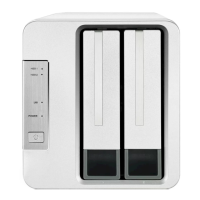
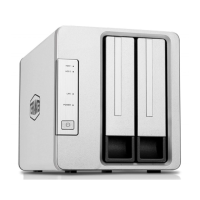
Model:D2 Thunderbolt 3



 To Next Page