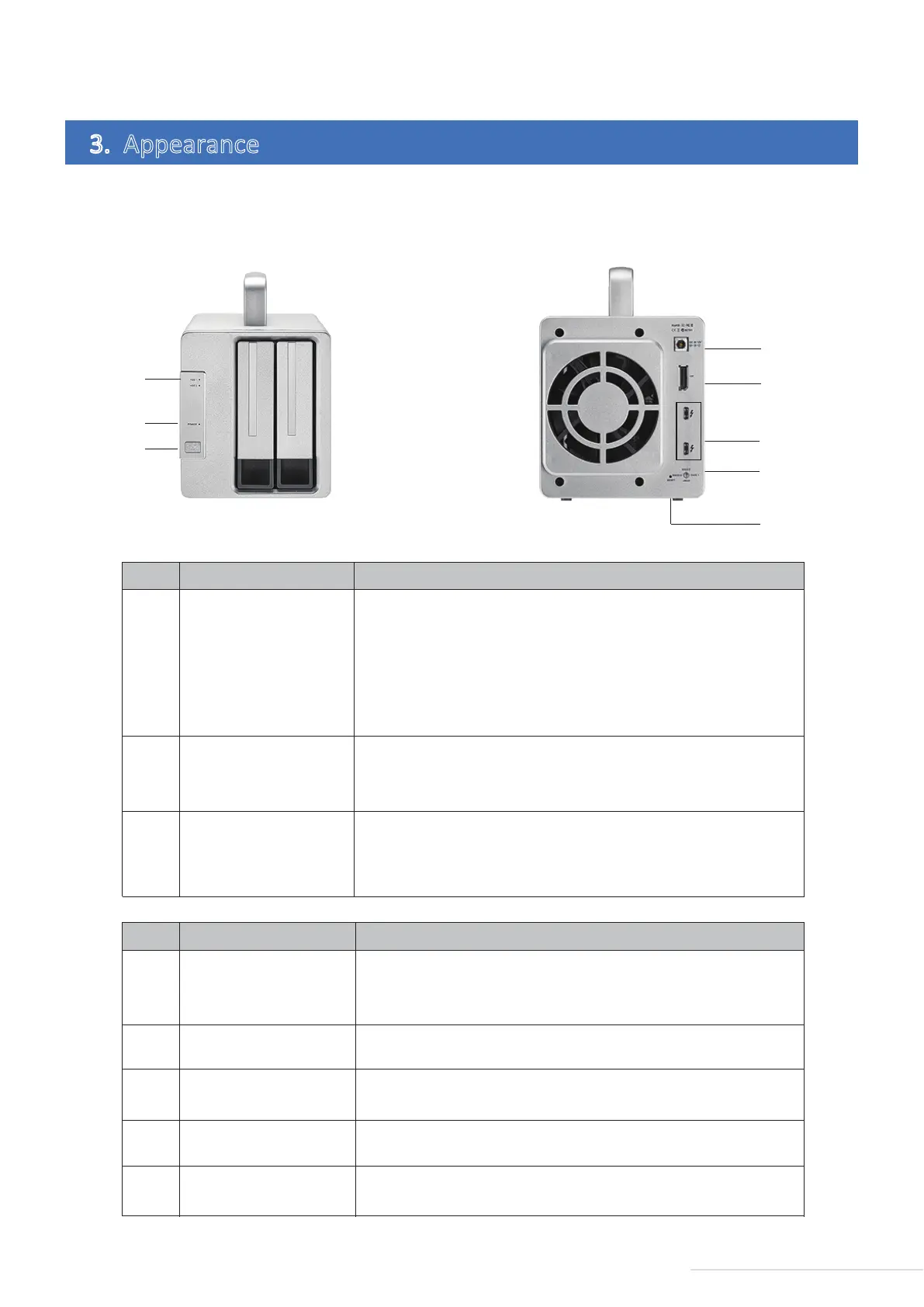
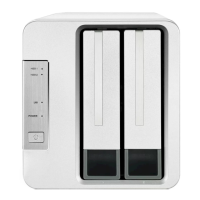
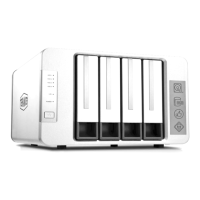
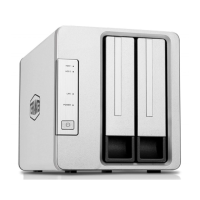
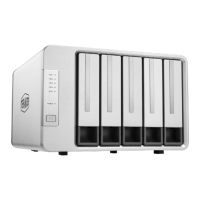
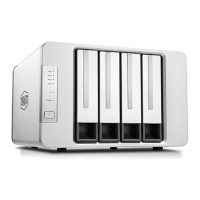
Illustraon of panel: Illustraon of rear cover:
3. Appearance
①
②
③
NO DescriponIndicator
HDD Indicator
Power Switch
Power indicator
1. Green on: The hard drive works fine.
2. A flashing green light indicates the hard drive is being read.
3. A flashing red light indicates failure of the hard drive or RAID.
4. A falshing orange light indicates RAID being rebuilt.
5. Off indicates if the hard drive has entered sleep mode,
lack of detecon or non-connecon of the device to the computer.
Short press once to power on, andpress for 3 seconds to power off.
1. Steady on: Powered on
2. Off: Powered off
3. Red: Standby
④
⑤
⑥
NO DescriponInterface
Power Jack
Thunderbolt 3 interface
DP Port
Power input interface. Please note that you should not use any power
adaptor other than the original. If you do, the device may be damaged.
Use this to connect a computer or another Thunderbolt 3 device.
⑦
RAID switch
Rotate to switch different RAID
⑧
RESET buon
Press and hold the RESET buon for 5s to let the newly set RAID take
effect and clean all data on hard drives.
Use this to connect the DP monitor.
3
Model:D2 Thunderbolt 3
④
⑥
⑤
⑦
⑧
①
②
③



 To Next Page