24
3.2.5 COMMAND MENU
This menu contains UPS commands be carefull while using commands.
Use up and down buttons to move cursor on submenu at the end of page you move to next page.
<ENTER> button applies the related command.
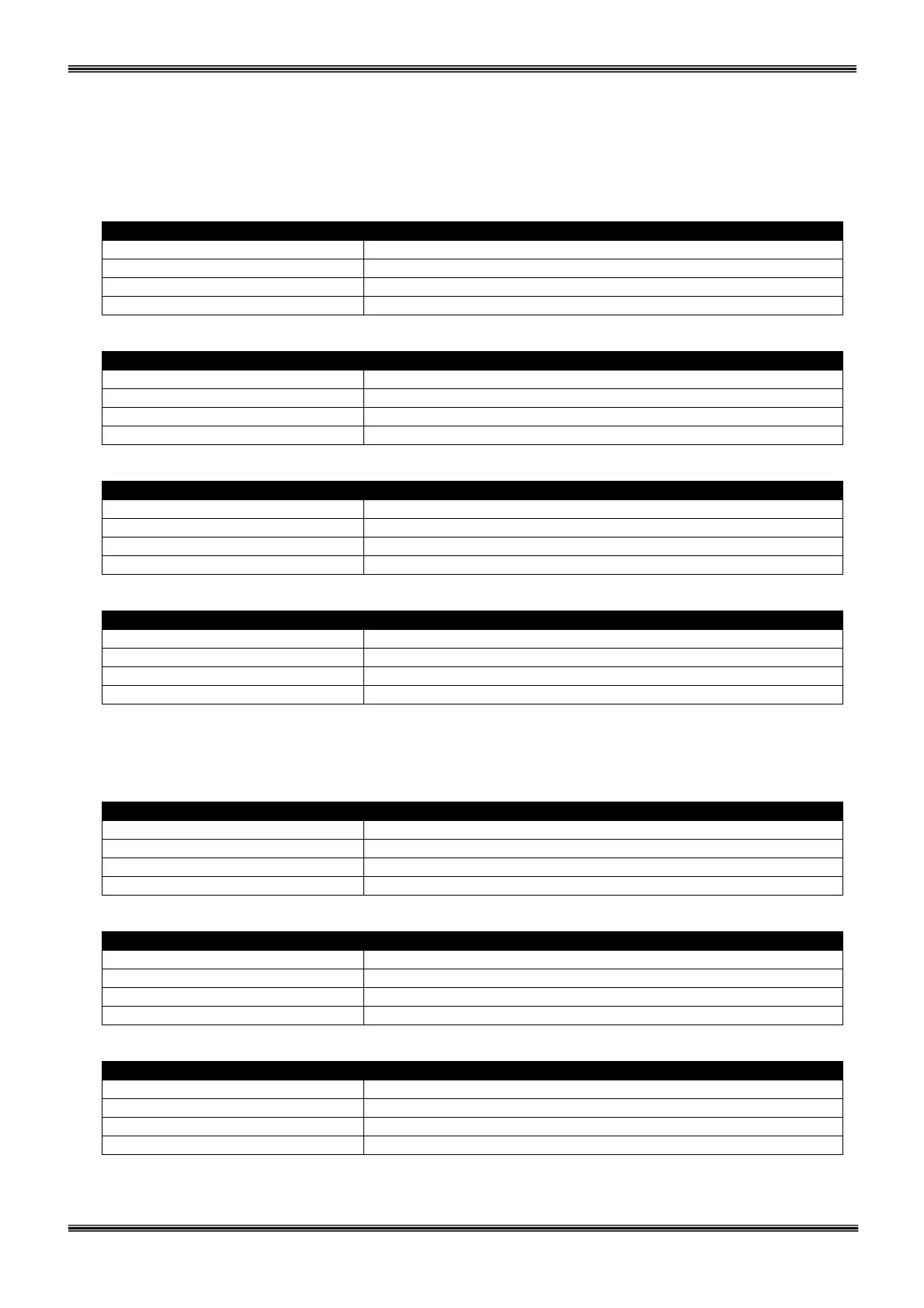
Page 1 (Level 2)
> ENTER <BYPASS> ENTER transfer the load to bypass
ENTER <BOOST> ENTER start boost charge mode
ENTER B.TEST > 405 ENTER start short battery test
…………………………….. Current alarm messages
Up upper line ,down next line ,(+) or (-) options ,ENTER apply command
Page 2 (Level 2)
> RELAY TEST:OFF Left and right test dry contact relays
ENTER : MODEM INIT ENTER initialize dialup modem
…………………………….. Current alarm messages
Up upper line ,down next line ,(+) or (-) options ,ENTER apply command
Page 3 (Level 2)
> ALARM SOUND: ON/OFF Left and right disable alarm buzzer
MIMIC LED TEST ENTER lamp test
…………………………….. Current alarm messages
Up upper line ,down next line ,(+) or (-) options ,ENTER apply command
Page 4 (Level 2)
ENTER - EXIT ENTER exit to upper menu
…………………………….. Current alarm messages
Up previous page ,down next page
3.2.6 TIME MENU
You can see Time and date information of the RTC clock in the UPS ,also you can set date and time from
this menu.
Page 1 (Level 2)
>TIME : 15:47:20 Time of UPS RTC
DATE: 31/12/2010 Date of UPS RTC
…………………………….. Current alarm messages
Up previous page ,down next page
Page 2 (Level 2)
>SET HOURS : 15 Left and right set hours
SET MINS : 47 Left and right set minutes
…………………………….. Current alarm messages
Up upper line ,down next line ,(+) or (-) adjust
Page 3 (Level 2)
>SET DAY : 31 Left and right set day of month
SET MONTH : 12 Left and right set month
SET YEAR : 11 Left and right set year
…………………………….. Current alarm messages
Up upper line ,down next line ,(+) or (-) adjust



 To Next Page